
Workspace-specific notifications#
wsman sysman sysadmin
For occasional users, configuring notification settings is often too much effort. A workspace administrator, system manager or system administrator therefore configures notifications centrally for a single workspace or all workspaces. Users without their own settings adopt these automatically.
Go to
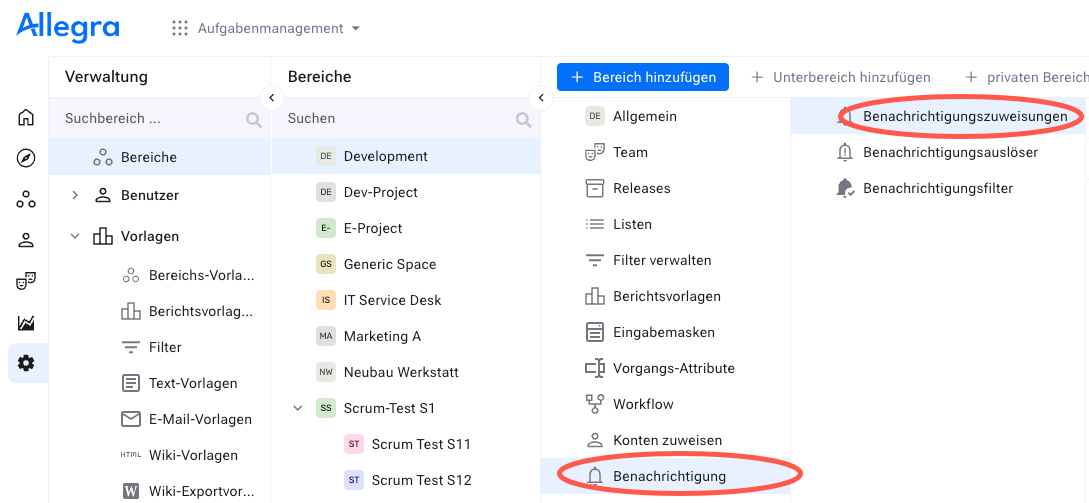
Administration>Workspaces.Select a workspace in the left navigation area. In the second navigation area, click
Notification Assignments— and then, in the third navigation area, clickNotification Assignmentsagain.
In the toolbar, click
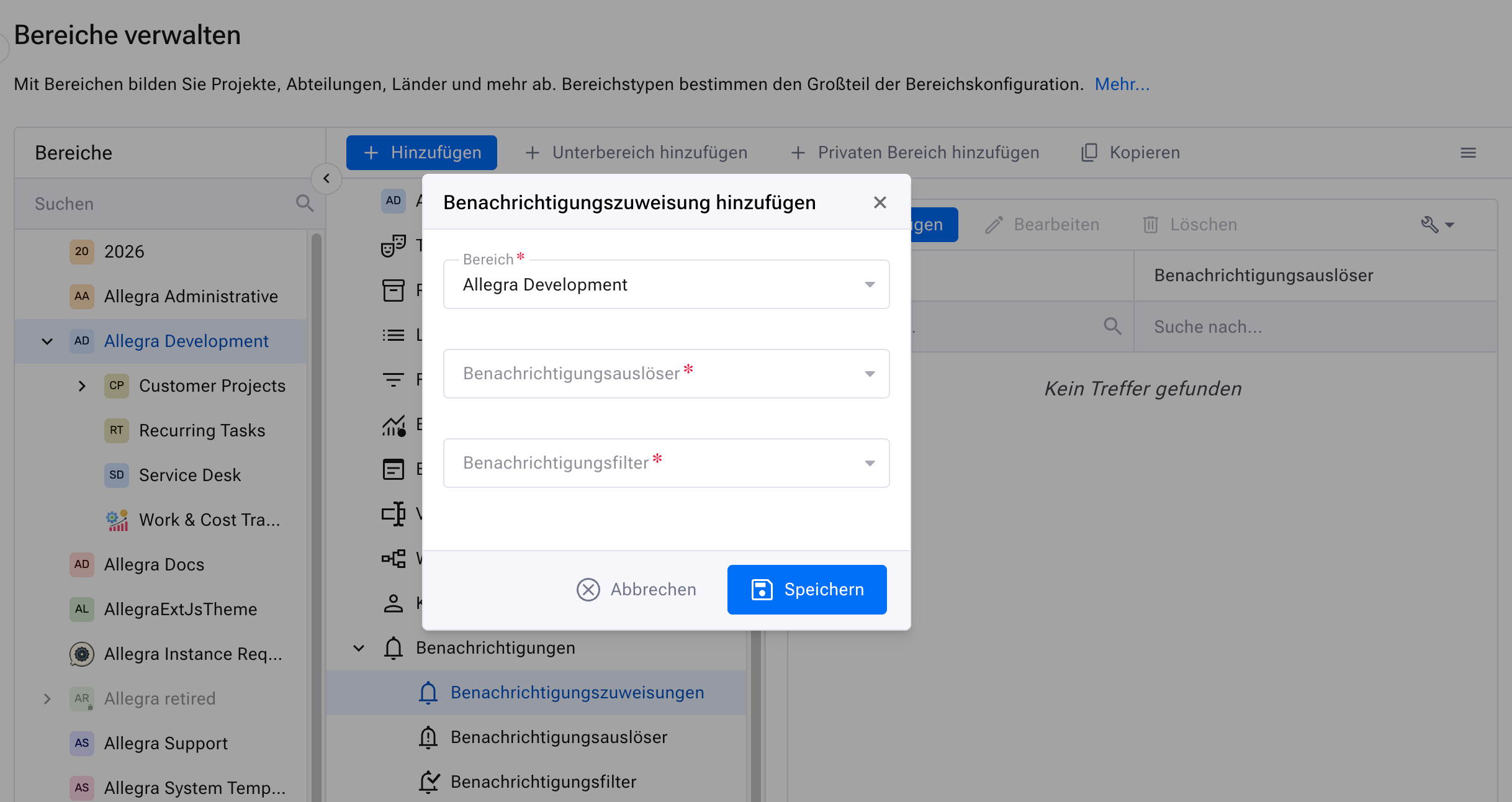
Add.Select a notification filter and a notification trigger.
In the toolbar, click
Saveto save the change.
All system users without their own notification settings now use these new settings.