
Changing item attributes#
sysman sysadmin
You change item attributes globally. For standard attributes you change only the name, label and tooltip — for custom attributes everything except the attribute type.
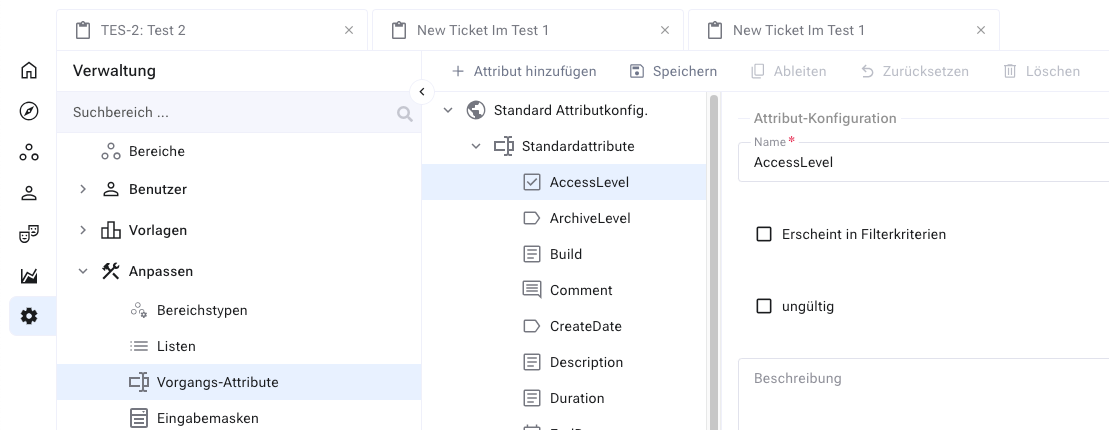
Select the attribute you want to change.
Edit it via the context menu or the corresponding button in the menu.
Change the properties and save.
Attention
If you change the tooltip or label, the change may not appear in the user interface. This happens when you have explicitly localized the label with the locale editor — the localization overrides the change.