
Items and workspaces#
Allegra manages items in workspaces. Every item has a type such as “Milestone”, “Bug report” or “Action item”. For each item type you configure your own forms, permissions and workflows.
An item is always in exactly one state — such as “open”, “in progress” or “done”.
An item always belongs to exactly one workspace.
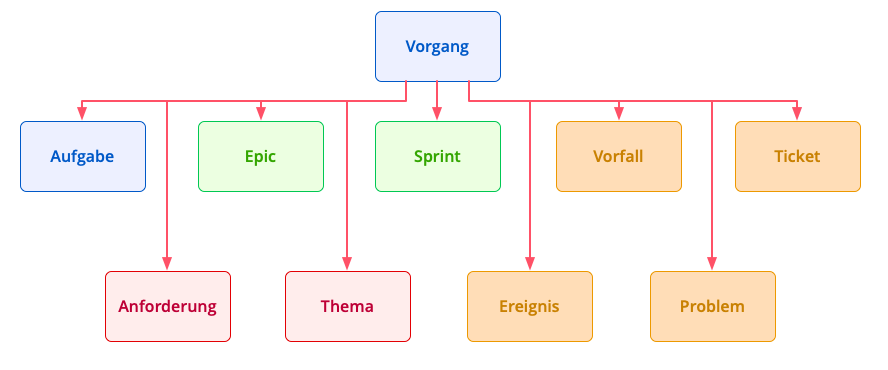
Item types#
Workspaces represent, for example, projects, locations, product groups or organizational units. Through the workspace, Allegra controls access to the items it contains. Workspaces can be nested to any depth — and so can items. This combination sets Allegra apart from many comparable systems and is the foundation of its flexibility.
What you are allowed to do with an item in a workspace is determined by the roles you hold for that workspace. Roles in parent workspaces also apply in all sub-workspaces.
You can hold several roles in one workspace — and different roles in different workspaces.
In addition to the global classification into workspaces, you also assign items to personal filing locations. This personal assignment follows the Getting Things Done principle by David Allen.