
Deleting item attributes#
sysman sysadmin
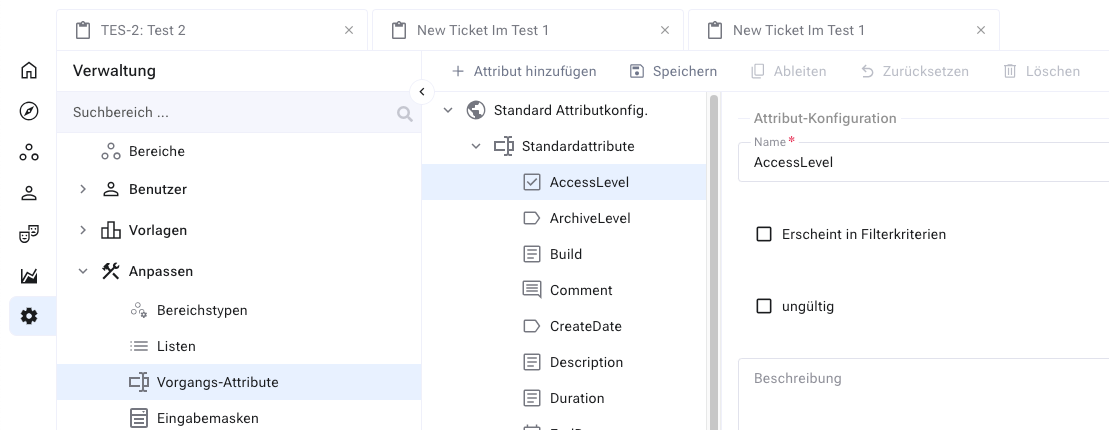
Select the custom attribute you want to delete.
Delete it via the context menu or the corresponding button in the menu.
If the attribute is used on forms or with items, Allegra requests a second confirmation. Confirm — and the attribute is deleted.
Warning
You thereby lose all information associated with this attribute.