
Split view of the right-hand area#
You split the right-hand area (the view area) of the item browser horizontally or vertically so you can see the details of the selected item in the overview at the same time.
In the item browser, click the tool icon at the very top right.
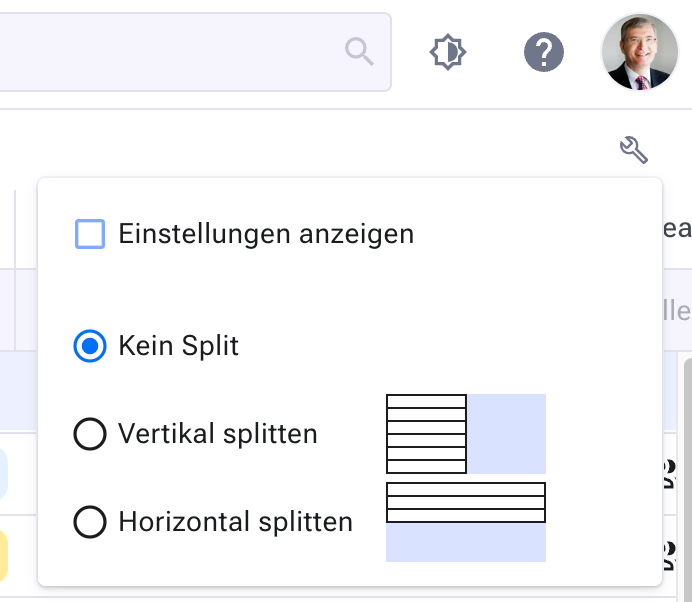
Here you also show or hide the toolbar.