
Sorting and grouping#
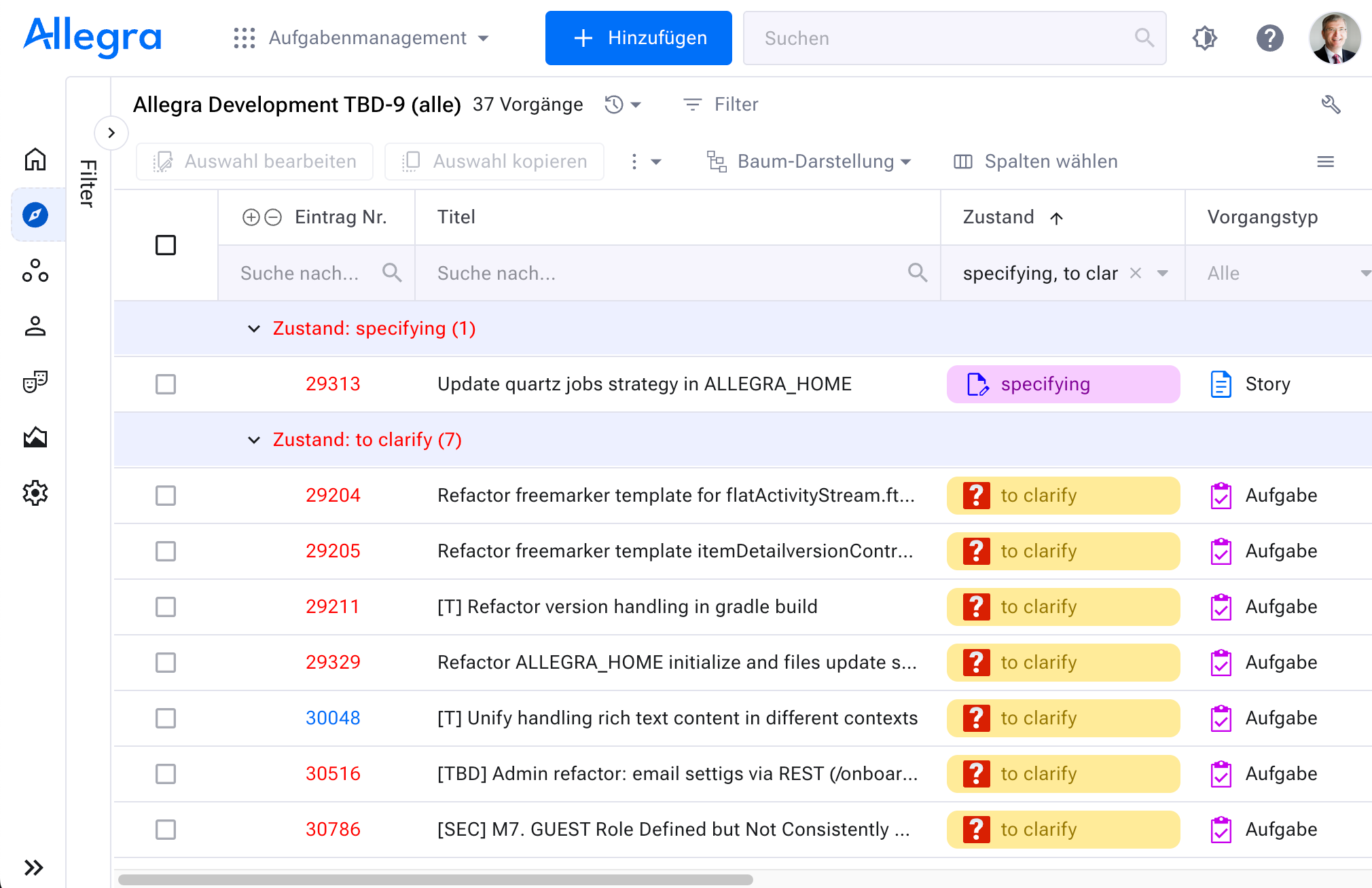
Depending on the view type, you configure the column arrangement, sorting and grouping in the item overview. The configuration always applies to the filter you last ran and is retained even after you sign out.
The configuration of the “My items” filter serves as the default for all filters for which you have not created your own configuration.
Sorting#
To sort items by an attribute, click the column heading. Clicking again reverses the sort order.
Grouping#
You can group items into up to four levels.
In the action menu at the top right of the item overview, click
Group. A configuration window appears.
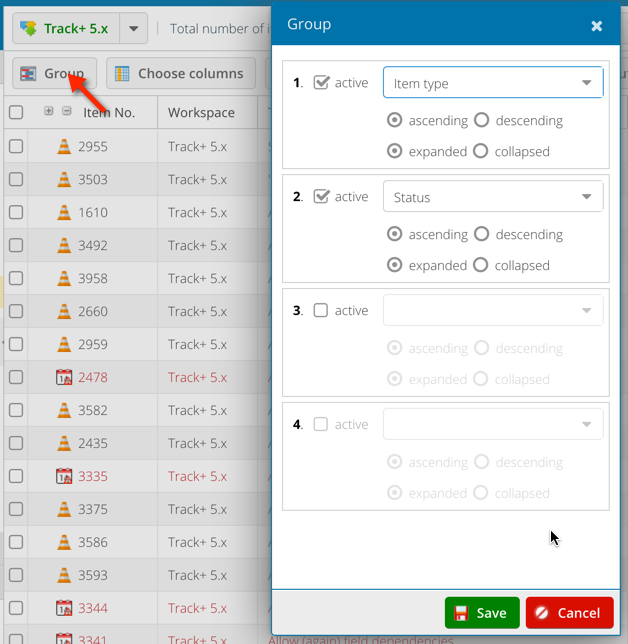
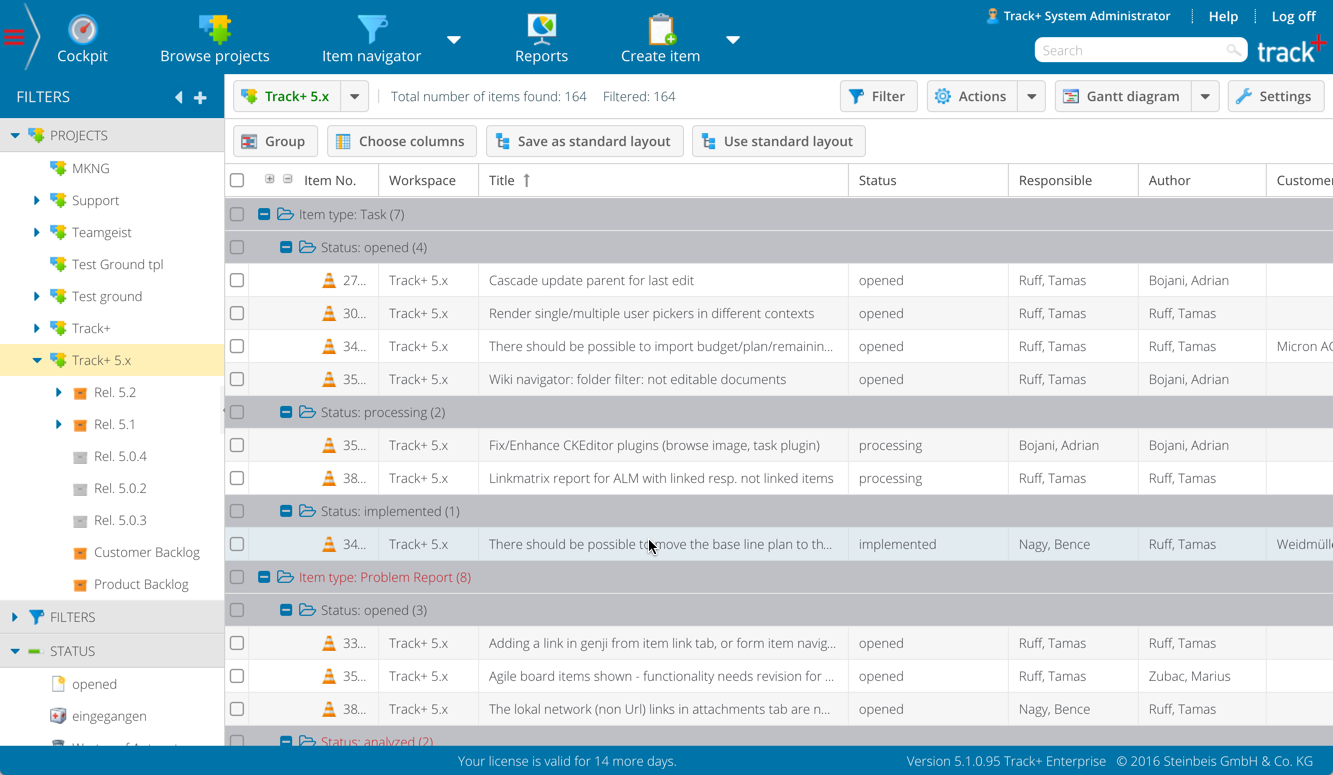
Select the grouping criteria you want.
Click
Apply.
Moving items#
You move items to a different parent item by dragging the item number onto the new parent number and dropping it there.
Further reading#
Editing a set of items — edit multiple items at once
Copying a set of items — copy multiple items at once
Linking items — link items directly
Creating a template-based report — create a report from the set of items
Exporting in the Allegra format — transfer data into another Allegra installation
Printing — create printable output of the set of items
Exporting to a CSV file — export the set of items as CSV
Exporting to an XML file — export the set of items as XML
Exporting to an Excel file — export the set of items to Excel