
Configuration basics#
When you work with many projects or workspaces — for example electronics development, software development, mechanical engineering and controlling in parallel — configuration quickly becomes complex. For these cases, Allegra offers two concepts: workspace types and configuration inheritance. With them you realize a wide variety of configuration scenarios without much effort.
Configuration inheritance#
Allegra organizes the configuration of important elements in a hierarchical inheritance. This provides flexibility without bloating simple use cases.
You configure on four levels:
global
item-type-specific
workspace-type- and item-type-specific
workspace- and item-type-specific
A configuration on a lower level overrides one on a higher level. Especially in larger installations, this ensures consistency and reduces the maintenance effort.
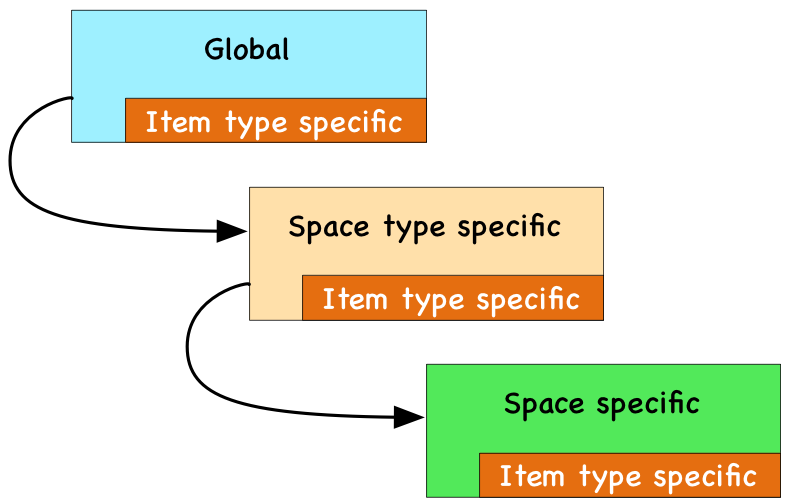
You configure the following elements according to this scheme:
item attributes
forms
workflows
email templates
wiki inline templates
At the global level, you configure the elements either for all item types or specifically for individual ones. The same principle applies at the workspace-type and workspace level.
You override any higher-level configuration on a lower level. If, for example, you have changed a custom attribute at the workspace-type level for the item type “Task”, you can configure it differently for a specific project and the same item type.
The higher up in the hierarchy you configure, the less maintenance work is required.
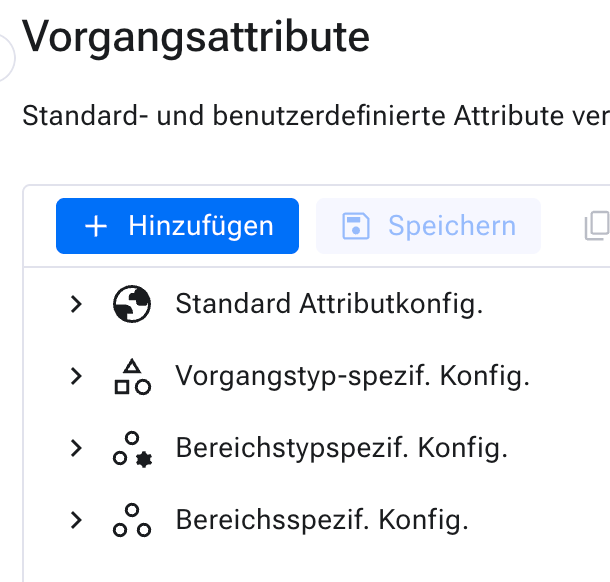
The four configuration levels using the example of “item attributes”#
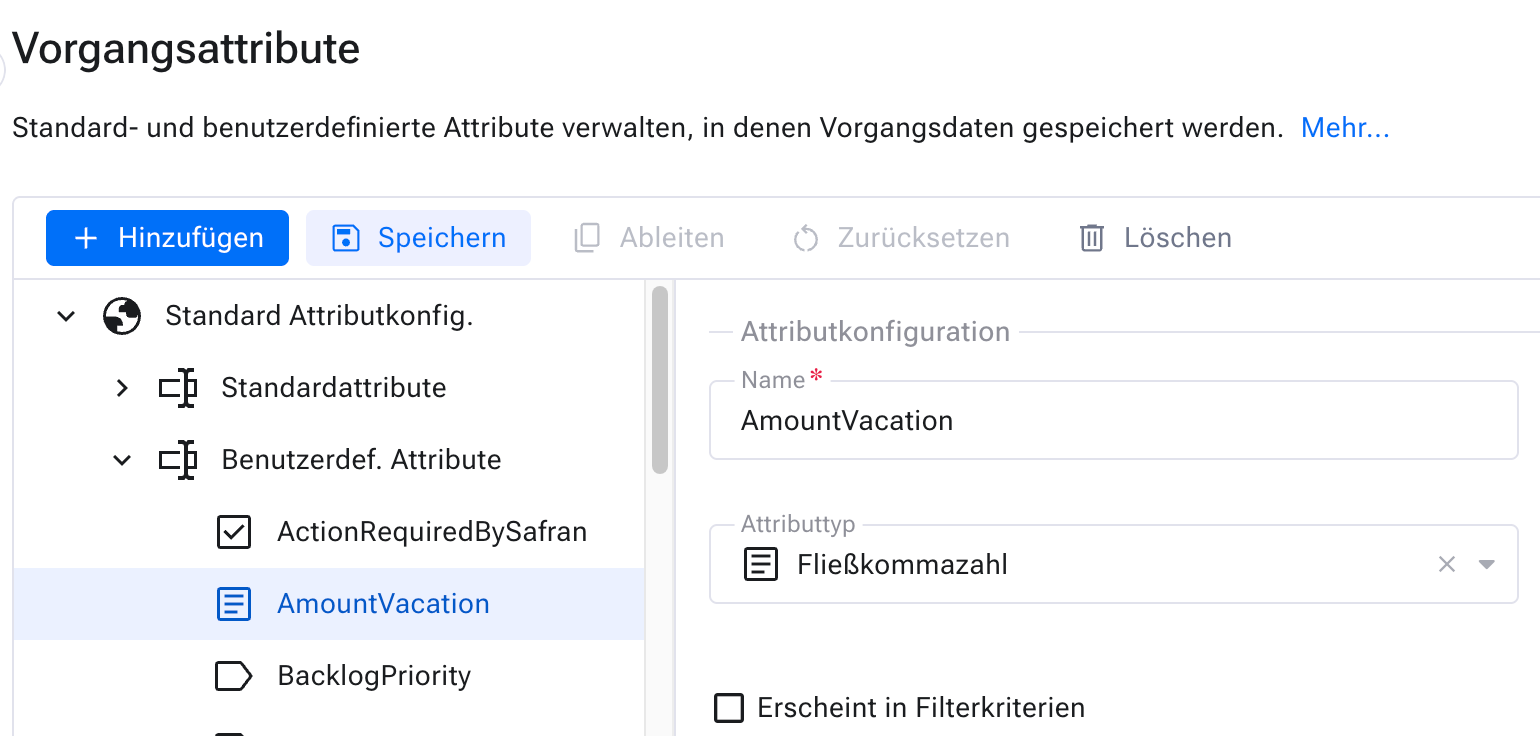
Configuration of an attribute at the global level#
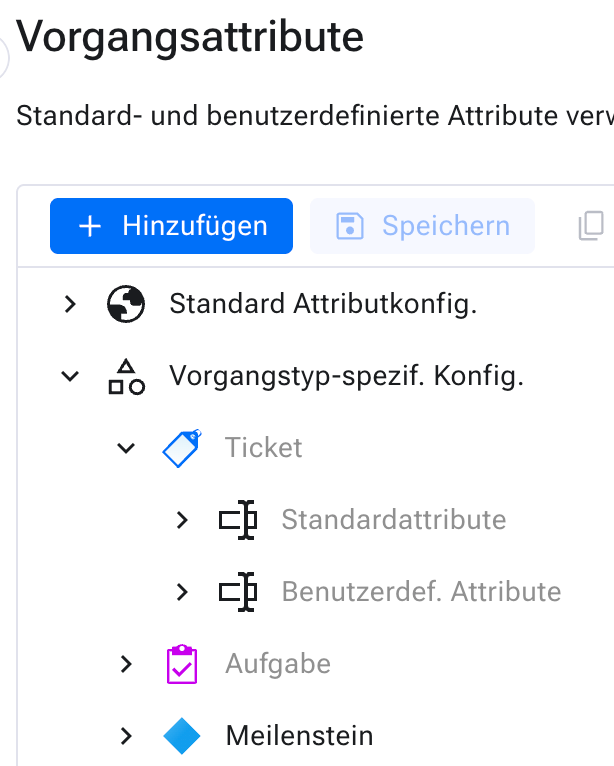
Item-type-specific configuration of an item attribute#
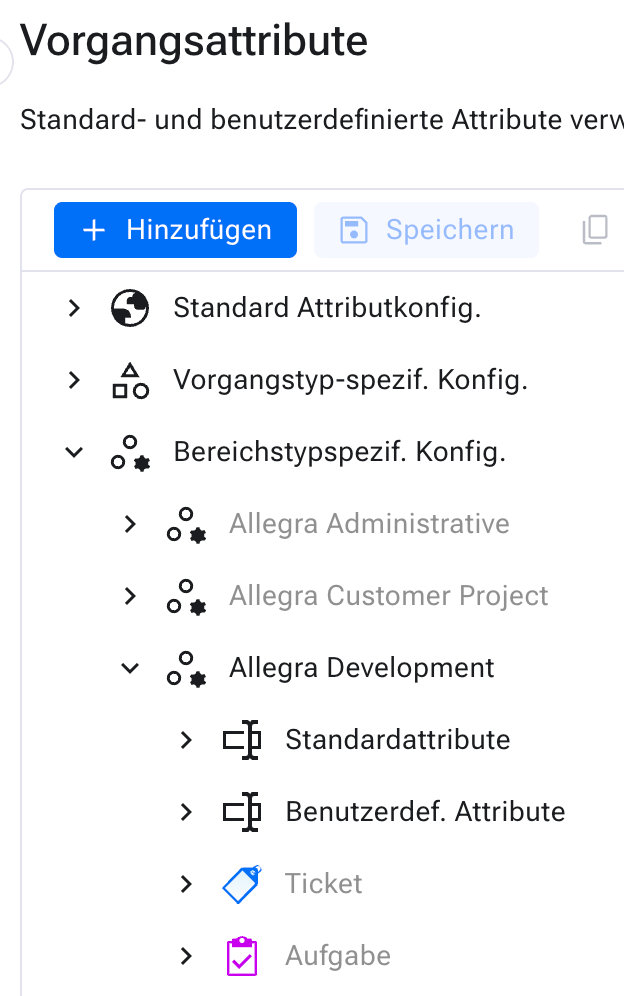
Workspace-type- and item-type-specific configuration of an item attribute#
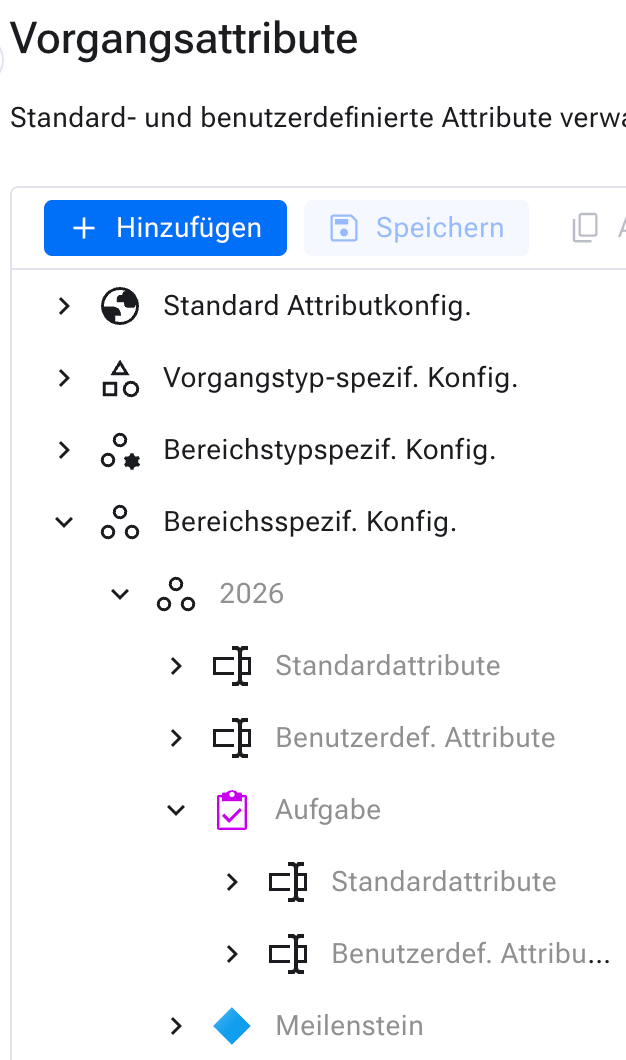
Workspace-specific configuration of an item attribute#
Hint
The workspace-specific configuration is particularly suited to project-specific selection lists, limit values and default values.
Workspace types#
Workspace types centrally define many properties of the workspaces assigned to them. Workspaces or projects inherit their configuration — workflows, forms and properties — from the workspace type. This way, you change the configuration of all workspaces of a workspace type in one place. That is considerably more powerful and flexible than the one-time adoption of configuration properties when a workspace is created.
At the workspace-type level, you set the following elements:
kind of workspace, e.g. Scrum or help desk
phase support, e.g. for releases and sprints
the item types available in this workspace
workflows associated with items in this workspace
custom properties for items in this workspace
custom forms for items in workspaces of this type
available item states
available priorities for items in this workspace
available severities for items in this workspace