
Overriding item attributes#
sysman sysadmin
You create variants of attributes at the workspace, workspace type, or item type level. By overriding, you change nearly every characteristic of the attribute — except its type. This lets you adjust, for example, the label, selection list, tooltip, or the “is required” flag.
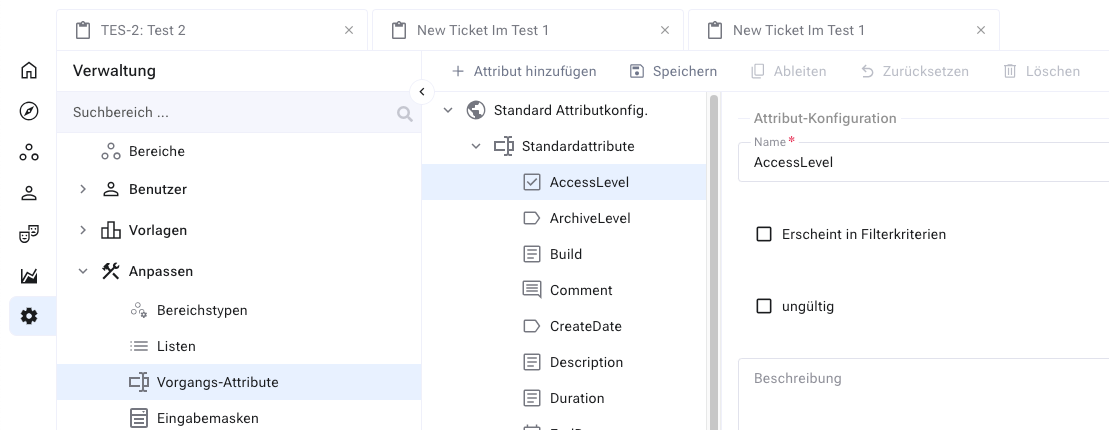
In the right-hand pane, click
Derivein the toolbar. Leave the attribute name unchanged — it is global, and report templates reference it.Change, for example, the label and tooltip.
Click
Savein the toolbar. In the tree pane, the attribute changes from a light to a strong color — an indication that it is now derived.
You have created a derived item attribute and thereby overridden the global attribute. All forms for tasks now show the new label. The attribute itself remains the same global attribute.
Hint
You reset the attribute to its global setting by right-clicking the
derived attribute in the tree pane and choosing Reset.