
Sharing filters#
Allegra lets you create links that run a filter combined with a view query under your account and return the result as a normal item overview in the navigator.
You can choose parameterized queries, and you can decide whether the user should stay logged in after running the query. This can be useful when you use the guest user for access and want to give users the ability to sort and group the data in the item overview.
Go to
Items>Filter>Manage filters.
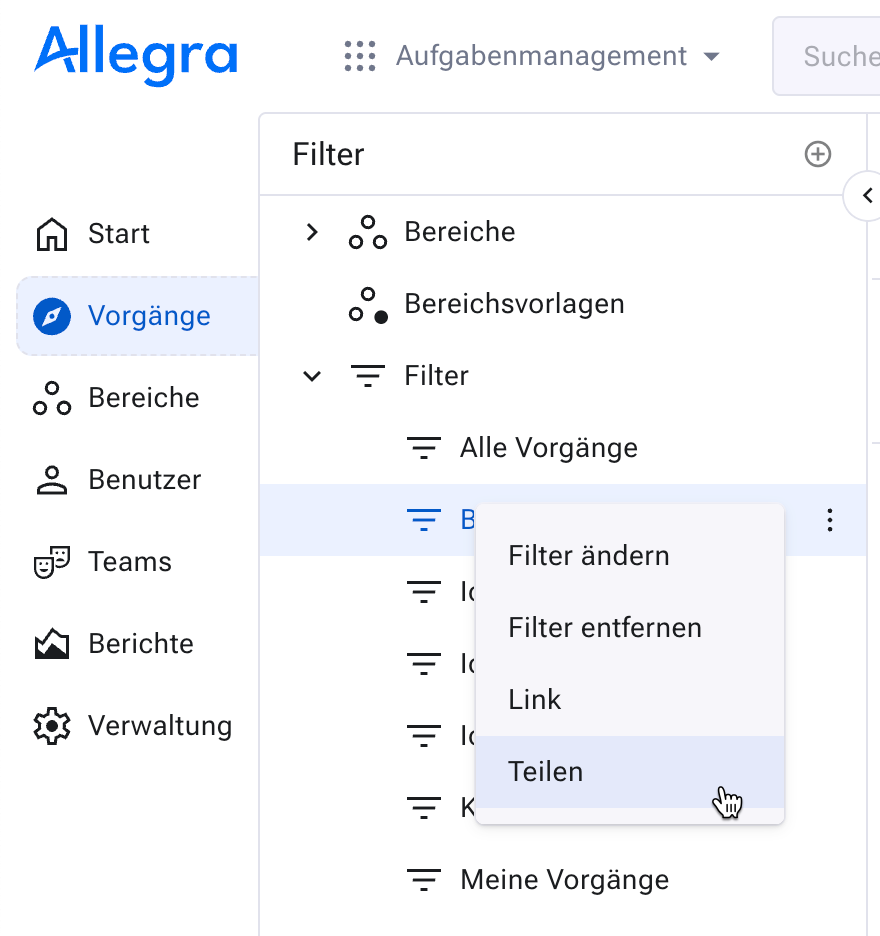
From the list of available filters, select the filter that you want to copy to the clipboard as an HTTP link for yourself or others.
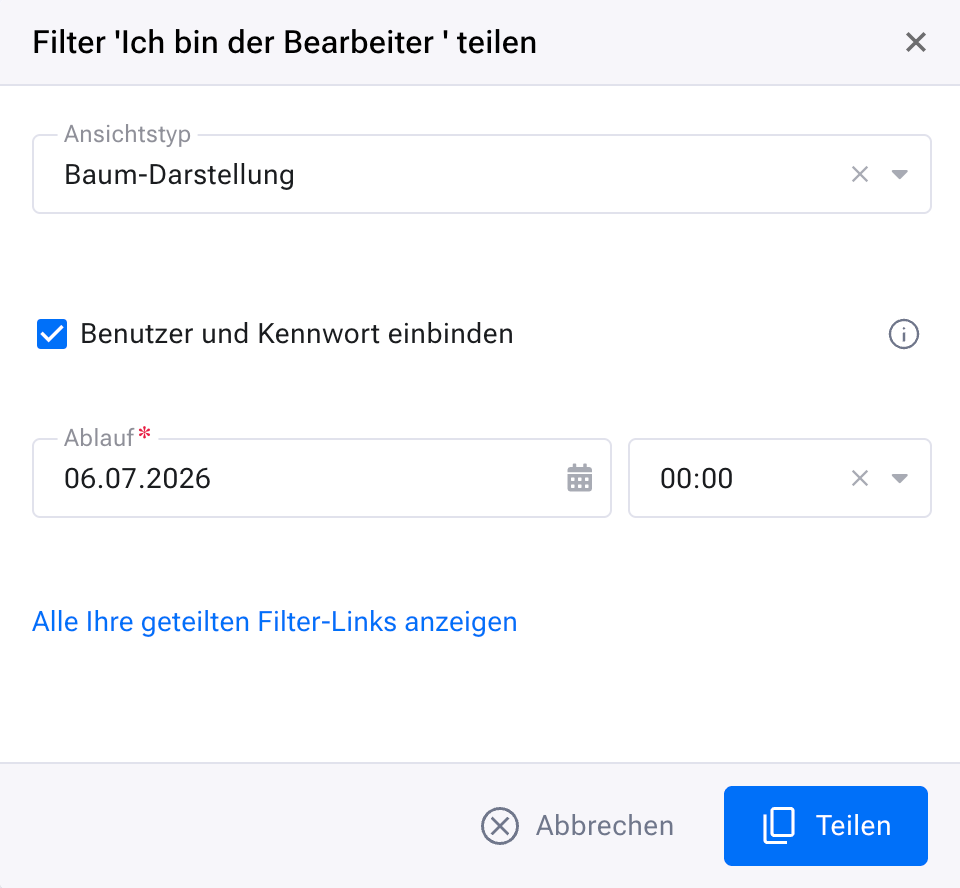
Open the item’s context menu and click the
Sharemenu item. The corresponding link is copied to the clipboard.You can also copy the link to a filter to the clipboard and reuse it from there. This is especially helpful for users who are already logged in, allowing them to reach a filter quickly.