
Notification rules#
Notification rules determine which item-related notifications you receive. A rule can be assigned to a specific workspace or to all workspaces without an explicit rule.
There is a system-wide default configuration that every user can fully or partially customize.
Note
Each user decides for themselves which notifications they receive. No one is flooded with notifications against their will.
A notification rule combines a notification trigger, which generates a message based on an event, with a notification filter, which checks whether the message matches the configured criteria. If it does, the message is delivered; otherwise it is discarded.
Go to
Administration>Notifications>Notification rules.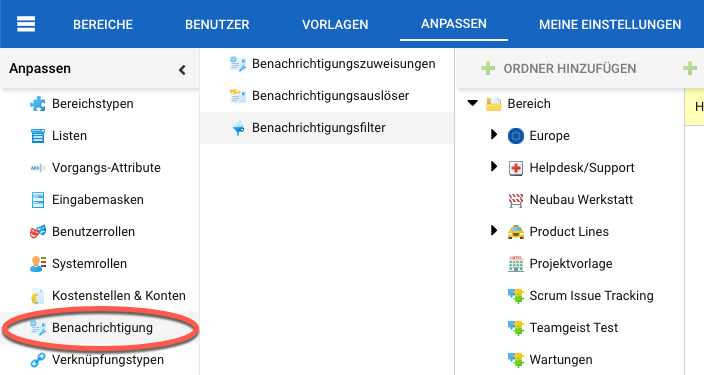
Click
Addto create a new rule, or select an existing rule and clickEdit.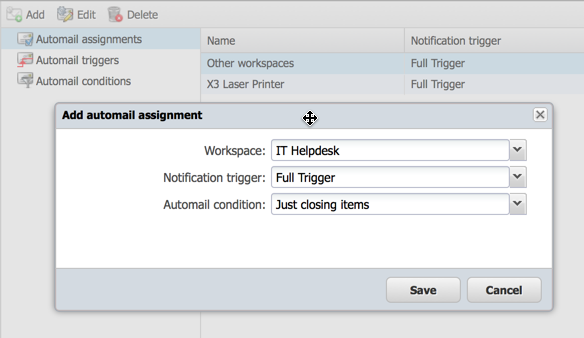
Select a workspace, a notification trigger and a notification filter.
Hint
There is a special entry for all workspaces that are not explicitly configured.
Save the rule.