
Workspace states#
Every workspace has a state that determines its visibility and defines what may happen to the items it contains. Through the state, you release, archive or delete workspaces. An archived workspace remains in the database but is invisible to regular users.
Allegra ships three predefined workspace states. Each state carries a “state flag” that controls the availability of the workspace. The flag can take three values:
State |
State flag |
Description |
|---|---|---|
in progress |
active |
Default state. You create and change items as you wish. |
on hold |
inactive |
You cannot create or change items. All existing information remains visible — and so does the workspace itself. |
archived |
closed |
The workspace accepts no new items and allows no changes. Workspace and items are invisible and inaccessible. |
Go to
Administration>Workspaces>Workspace states.
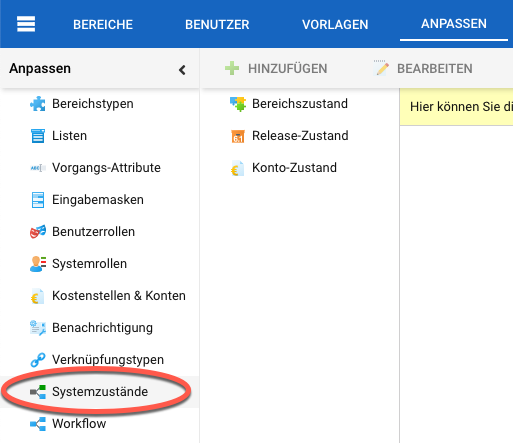
Click
Addto create a new state. Select a state in the table and clickEditto change it. ClickDeleteto remove it.
Archiving projects#
Over time, the number of workspaces grows — especially in project management. Completed projects eventually become irrelevant. For the sake of clarity, you archive such projects. They are then no longer visible to regular users, and their items no longer appear in filters and searches.
To archive a project, set its state to “archived”.