
Filter repositories#
Filters are managed in repositories. At the top level there are three of them:
Private repository
Workspace-specific repository
Public repository
Every user has their own private repository in which they can manage their own filters.
Workspace managers can manage filters in workspace-specific repositories, for example to provide their project members with useful filters for their project. These filters appear in the item browser tree as sub-nodes of the workspaces.
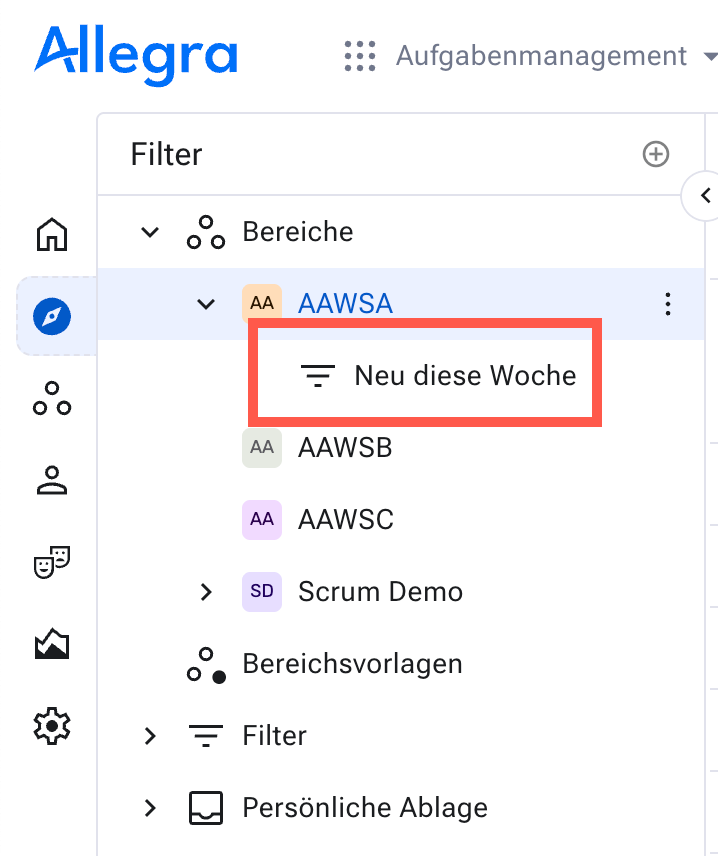
System managers and system administrators can store generally accessible filters, available to all users, in the public repository.
Adding and editing filters#
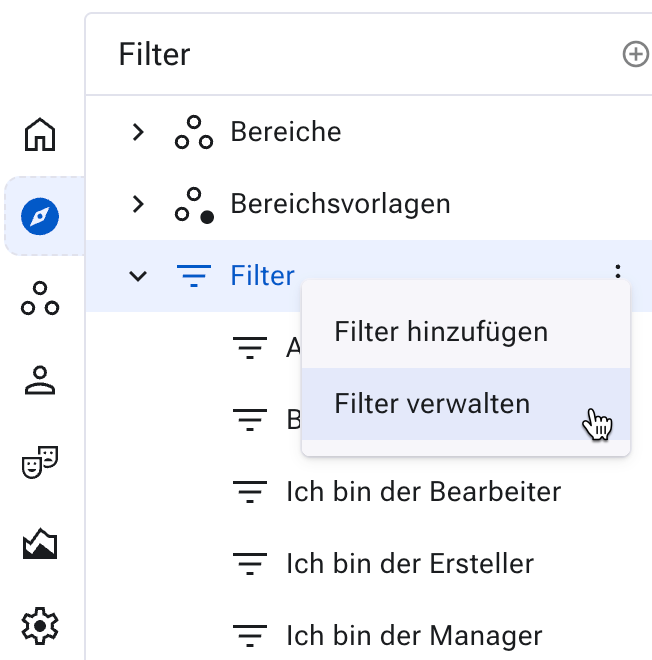
Go to
Items>Filter>Manage filters.
Deleting filters#
You can delete a filter if you are its owner or have system administrator or system manager privileges.
Go to Items > Filter > Manage filters.
Select a filter by first opening a folder and then clicking the desired filter in the list area on the right.
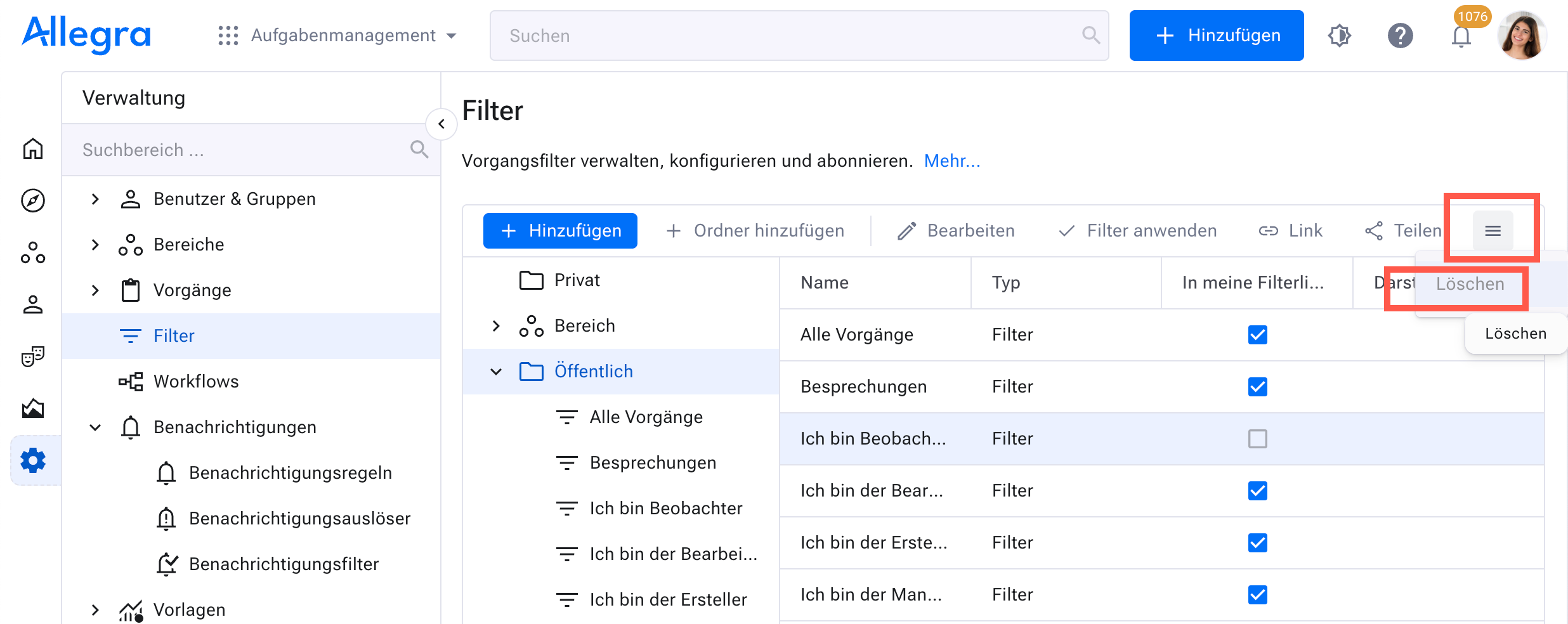
Click the “Delete” button in the toolbar area, or use the context menu to delete the selected filter.