Slack integration#
sysman sysadmin
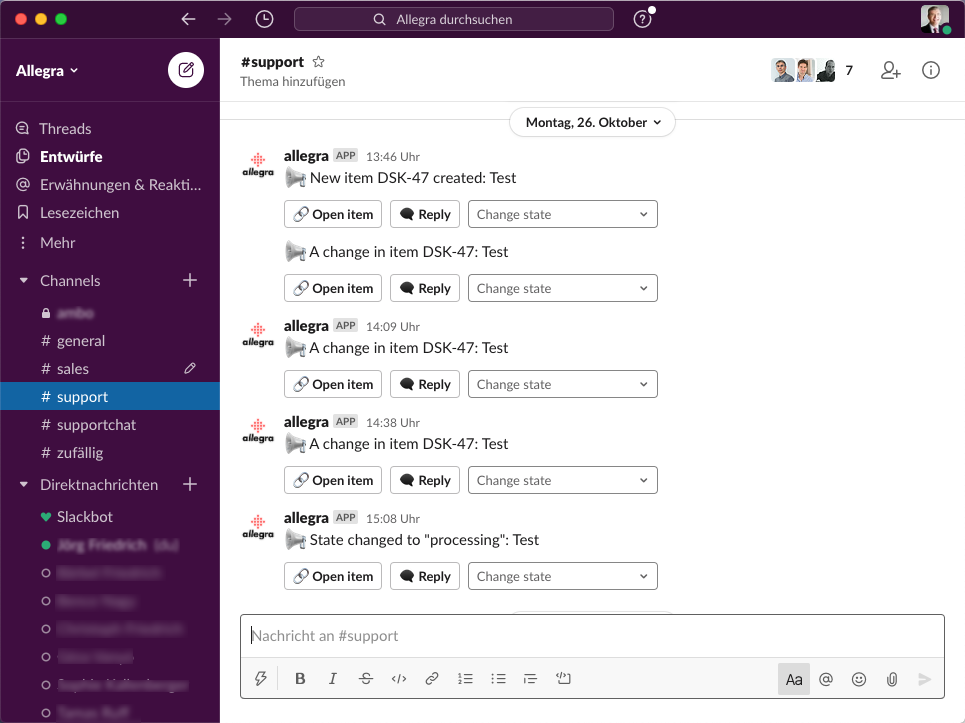
Allegra offers an easy-to-configure, feature-rich integration with the team software Slack. Slack channels can be linked to Allegra groups, and from within Slack you can open items, reply to comments and change the status.
Configuration#
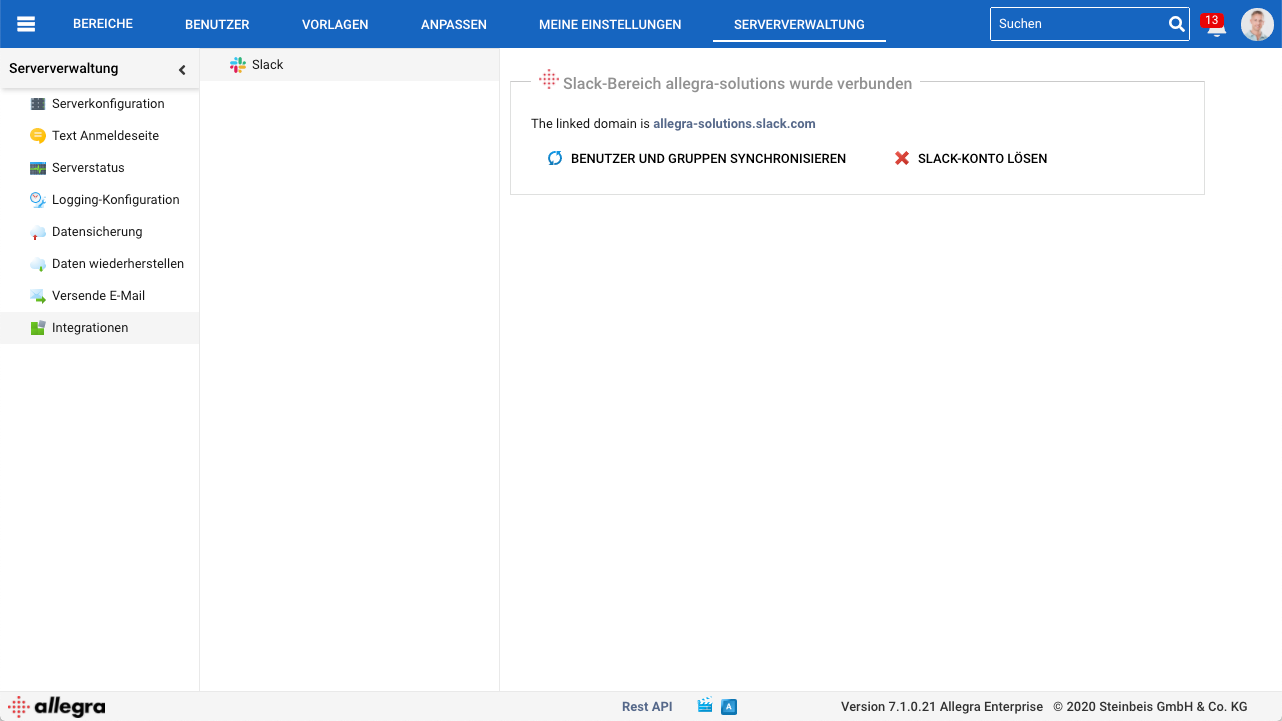
Go to Administration > Integrations > Slack.
To connect Allegra with Slack, click “Link Slack account”.
You are redirected to the Slack page. If you are already logged in to your Slack workspace, you can allow Allegra to use the Slack functions. If you are not logged in, you first have to log in to your Slack workspace, after which you can allow Allegra to use the Slack functions.
Once you have finished configuring the permissions, you are automatically redirected back to Allegra. The linked Slack account is used to notify users and channels.
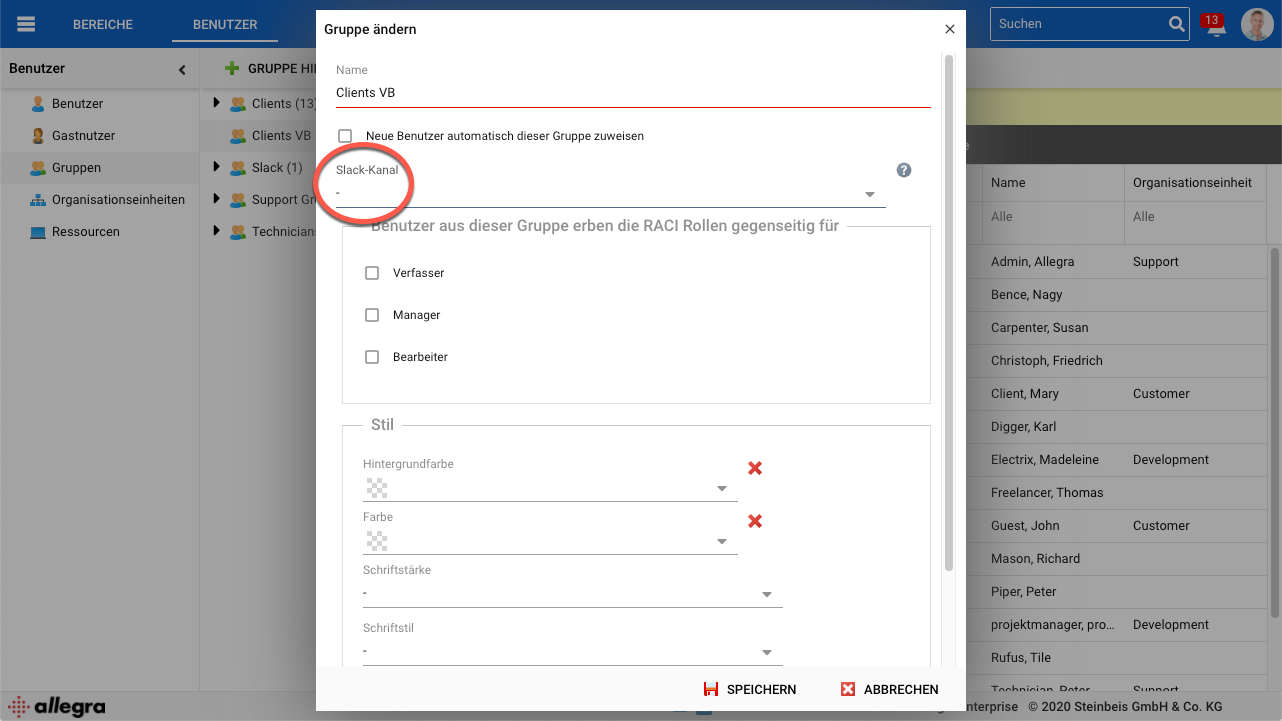
You can link Slack channels to Allegra groups. If a group is set as the responsible or as a watcher on an item, the notifications are forwarded to the Slack channel according to the configured notification triggers and notification filters for the associated workspace.
If Slack contains a user with the same email address as in Allegra,
that user receives Slack direct messages according to their Allegra
notification settings. They can also turn these off in their
user profile under
My profile > My profile > Email reminders.
From within Slack you can open items, reply to comments and change the status.