
Item attributes#
wsman sysman sysadmin
In Allegra, all items have attributes — an item number, a title and so on. For historical reasons we distinguish two kinds of attributes:
Standard attributes
Custom attributes
Standard attributes are built into Allegra. You can neither remove nor add to them. An overview of all standard attributes is available under Standard attributes.
All attributes always exist - even when they do not appear in the user interface. You override labels and tooltips at any of the levels named below.
As a system or workspace administrator, you create your own custom attributes. Every attribute has an attribute type such as text or date. For an attribute with a selection list, create the list beforehand. Through the plug-in architecture you add further attribute types.
In Allegra we distinguish attributes and fields. Attributes belong to items, fields to forms. A field on an input form connects an item attribute with that form. Items can also have attributes that appear on no input form.
Hint
For you to be able to use an attribute, it must be visible on the “Edit” input form (see Forms).
Attributes are global in principle. You override certain characteristics - label, tooltip and selection list - at three levels:
per item type
per workspace type and item type
per workspace and item type
The properties of item attributes are inherited in this hierarchy:
System
Item type
Workspace type
Workspace
A workspace manager defines or overrides custom attributes only at the workspace level. For more, see Configuration inheritance.
This approach promotes the reuse of existing attribute definitions across many workspaces, allows global changes and at the same time preserves flexibility down to the individual workspace.
The following figure shows the global configuration at the top. It applies to all levels below it, unless you explicitly override it.
The item-type-specific configuration level lets you configure standard and custom attributes per item type, deviating from the global definition. This configuration applies to all workspace types and workspaces as long as it is not overridden there.
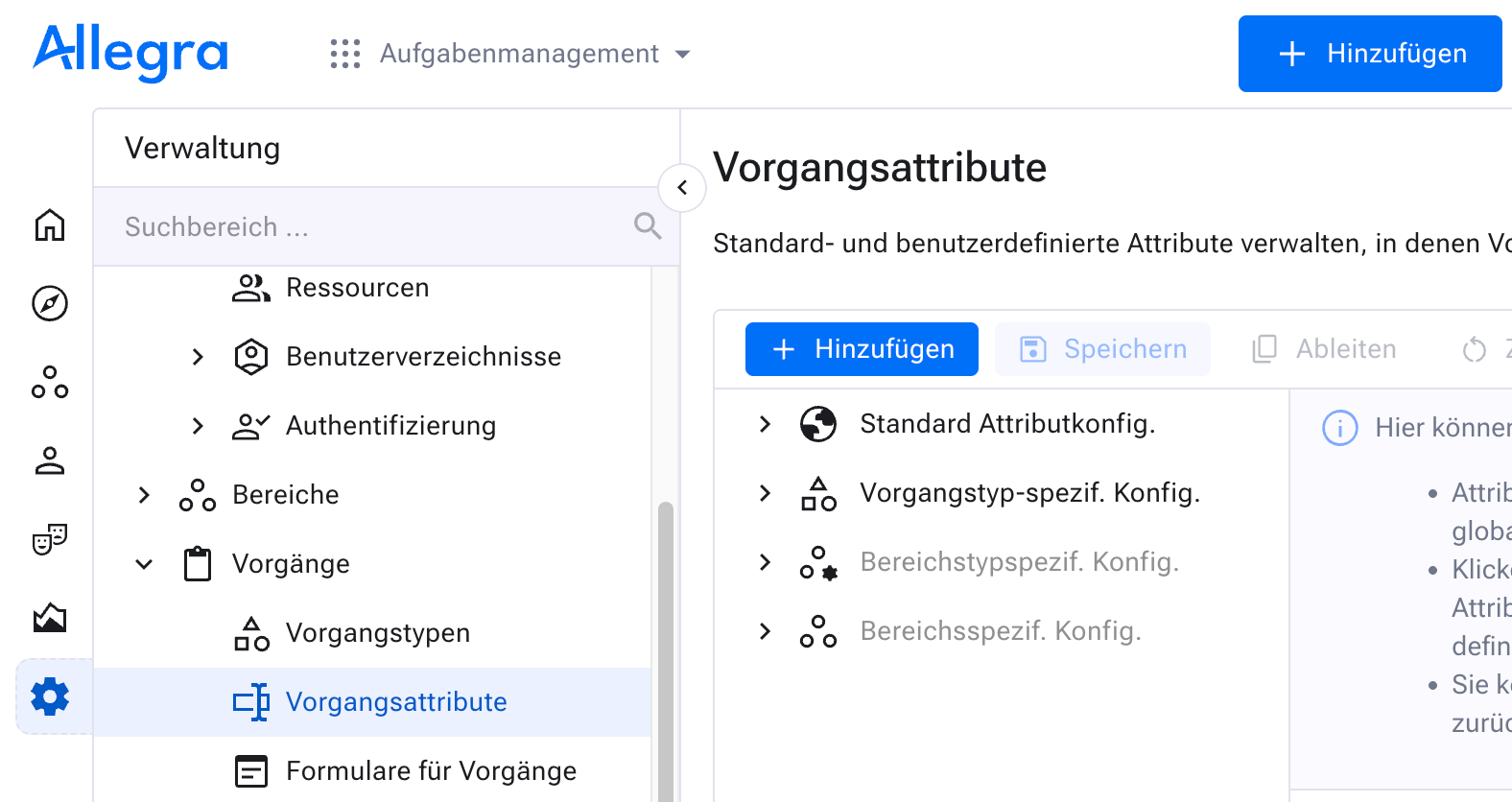
Item-type-specific attribute configuration#
The next figure shows the configuration at the workspace type level. Here you override standard and custom attributes per workspace type and item type.
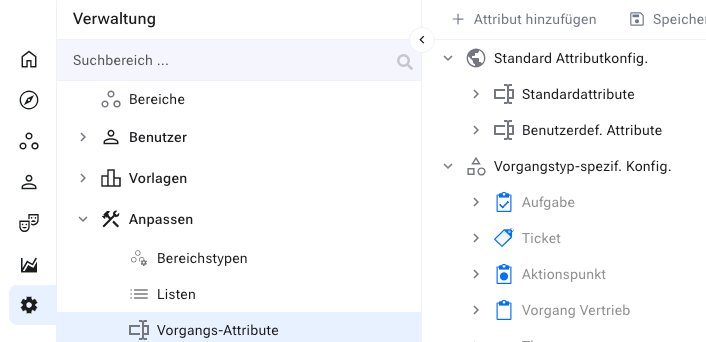
Workspace-type-specific attribute configuration#
All workspaces of this workspace type inherit this configuration automatically.
The last figure shows the configuration at the workspace level. Here you configure standard and custom properties per workspace and item type.
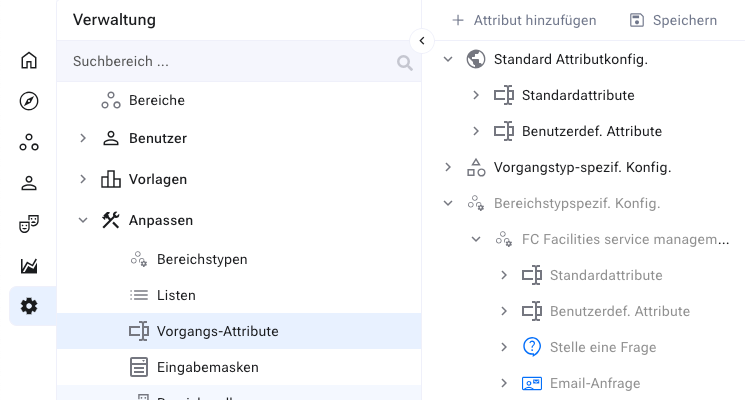
Workspace-specific attribute configuration#
- Item attribute configuration
- Item attribute types
- List of item attribute types
- Checkbox
- Cascaded selection list (parent-child)
- Cascaded selection list (parent-children)
- Cascaded selection list (parent-children-grandchildren)
- Simple selection list
- Multiple selection list
- Expandable selection list
- Expandable multiple selection list
- Radio group
- Date
- Floating-point numbers
- Integer
- Cumulative integer
- Short text
- Long text
- Person picker (general)
- Person picker (on behalf of)
- Rich text label
- Workspace picker
- Item picker
- Integer divisions
- Lead time
- Adding an item attribute
- Overriding item attributes
- Changing item attributes
- Deleting item attributes