
Notification filters#
With notification filters you control which triggered notifications are actually sent. Filters are logical expressions that check item attributes – both the new and the old value. This makes it possible to filter both by absolute values and by value transitions.
Filters are stored in repositories. System administrators can provide filters in the public repository, workspace administrators in the workspace repository. You can copy public filters into your private repository, customize them there, and create and delete your own filters.
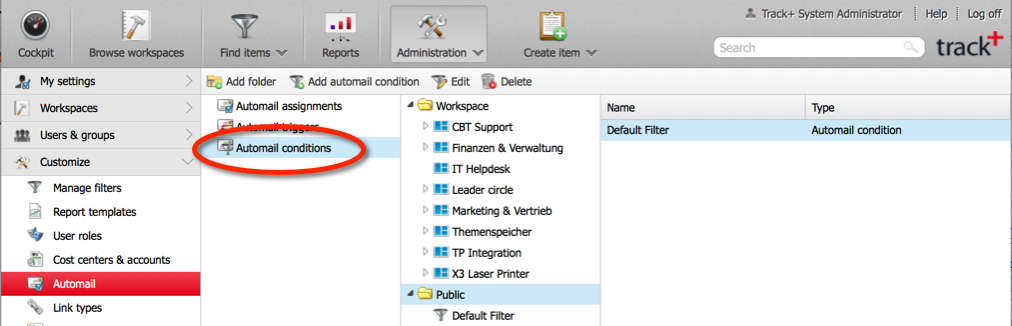
Go to
Administration>Notifications>Notification filters.
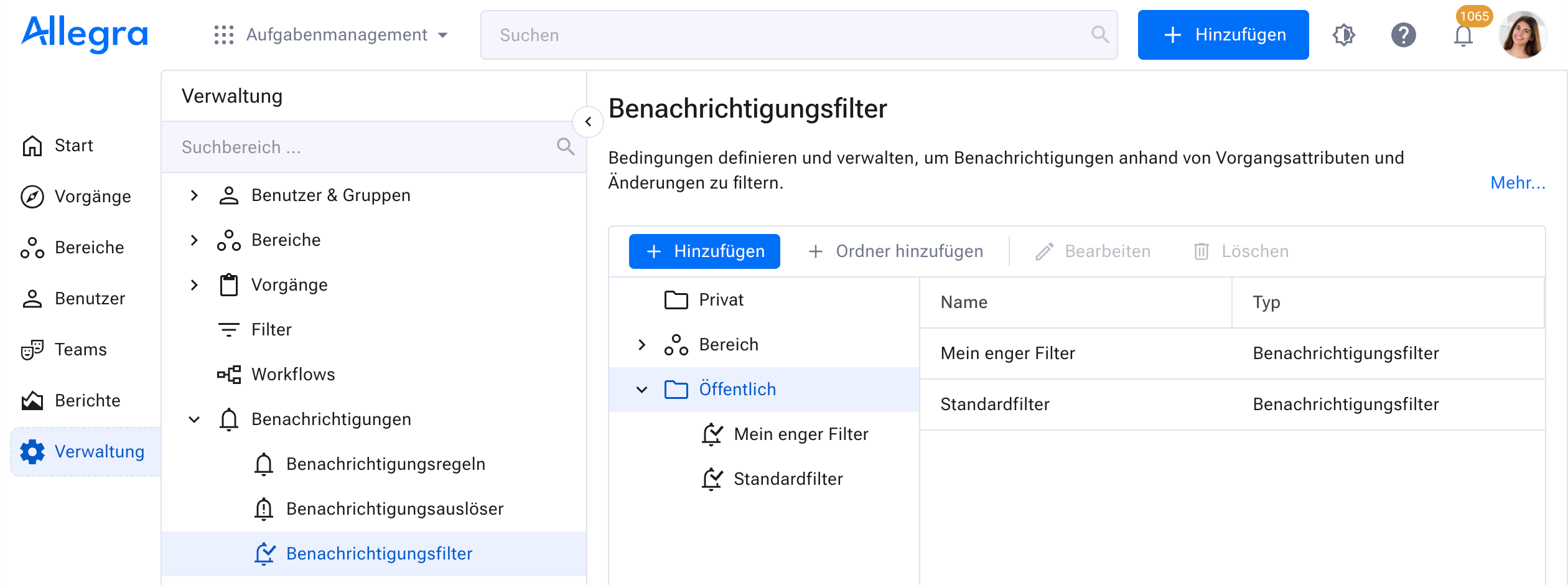
Defining notification filters#
Select the target folder (Private, Workspace, Public or your own folder). Click
Addfor a new filter, or select an existing filter and clickEdit.
Hint
You can only edit filters that you created yourself. Filters of other users may only be changed or deleted by system administrators.
Enter a name and define the condition.
The “new”/”old” selection field stands for the attribute value after and before the change, respectively. In the example, the filter is set on the transition from any state to “closed” – changes within the “closed” state do not trigger a notification.
Important
“Current user” always means “me” from the perspective of whoever uses the filter.
Save the filter.