Item browser views#
The way items are displayed in the right-hand pane of the item browser is called the current view. It results from a filter and a base view.
The filter determines which items appear. The base view determines how they appear.
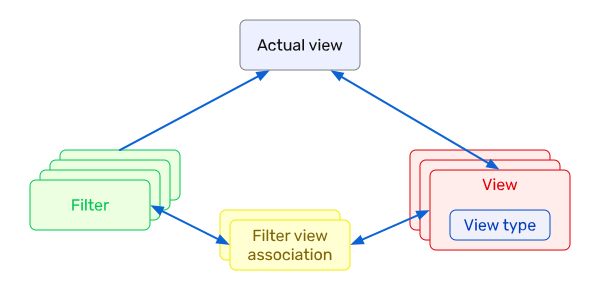
The base view is tied to a view type — for example, the tree view or the agile board.
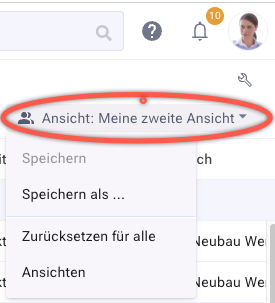
To create a base view, configure the item browser to your liking (columns, grouping, sorting …), open the views submenu, and save the current view.
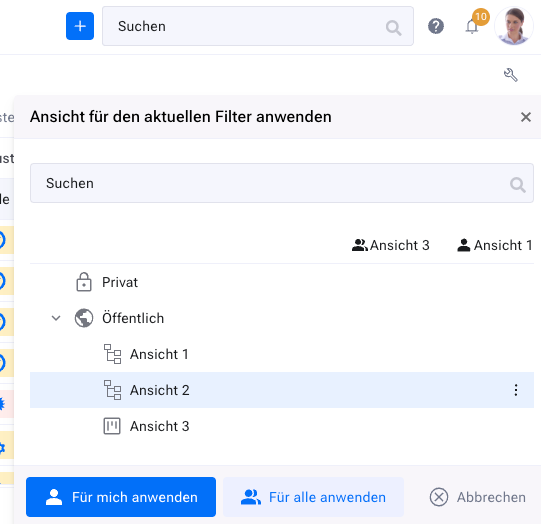
With the appropriate permission, you can set the view as the default for the filter — either for all users or just for yourself. In the following example, view 1 is assigned to you and view 3 to all other users, provided they have not made their own assignment.