
Attachments#
You can attach any number of attachments to an item. Text-based attachments — Word, Excel, PowerPoint, PDF or OpenOffice documents — can optionally be included in the full-text search.
To add attachments to an item:
Drag files onto the highlighted area in the
Attachmentstab at the bottom of the item detail view.Click
Addin the action column.Press Ctrl+V after copying an image to the clipboard. If the cursor is in a rich-text field, the image is placed directly in the field rather than added as an attachment.
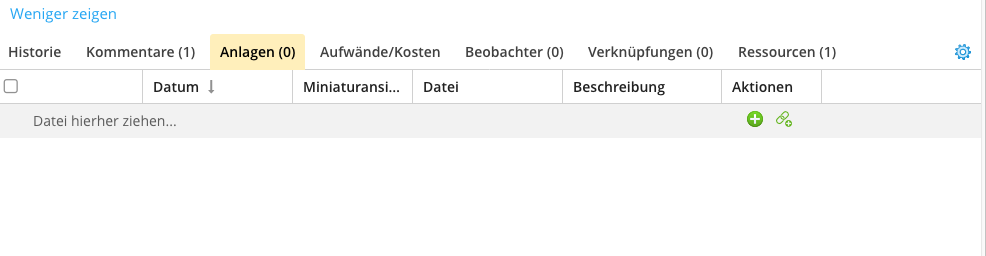
Using the action button, you can also save URLs as attachments — for example links into a document management system or SharePoint.