Efforts#
You can assign any number of efforts to an item. Efforts capture work and material costs. You book them per item to accounts — in hours, days (work) or in a freely chosen currency (material costs).
Prerequisites#
To be able to book efforts to an item in a workspace, the following prerequisites must be met:
You are signed in at least as a workspace administrator in order to initially activate effort tracking.
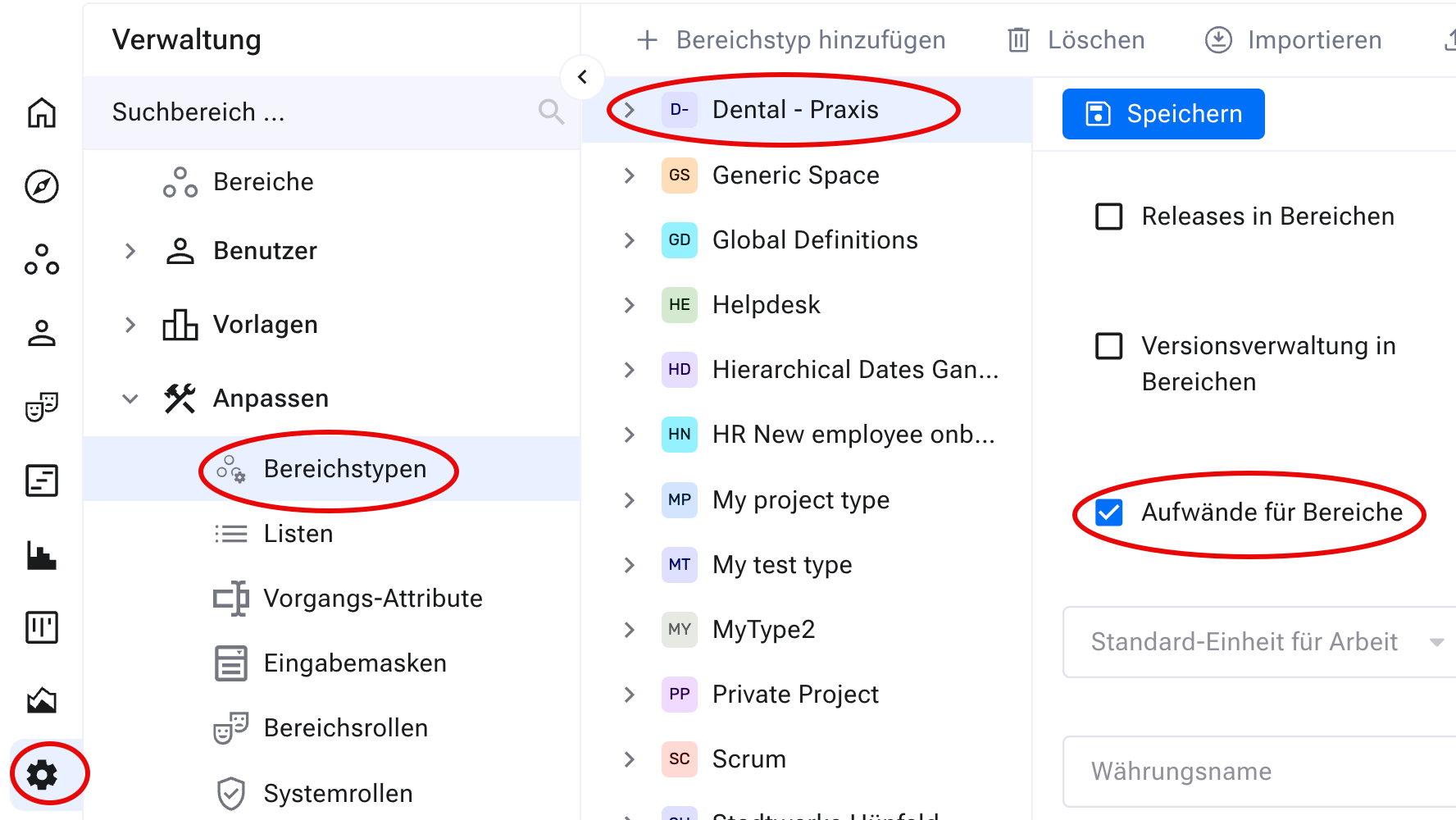
You have access to a workspace type with the “Efforts for workspaces” option activated.
The workspace type in use has the “Efforts for workspaces” option activated.
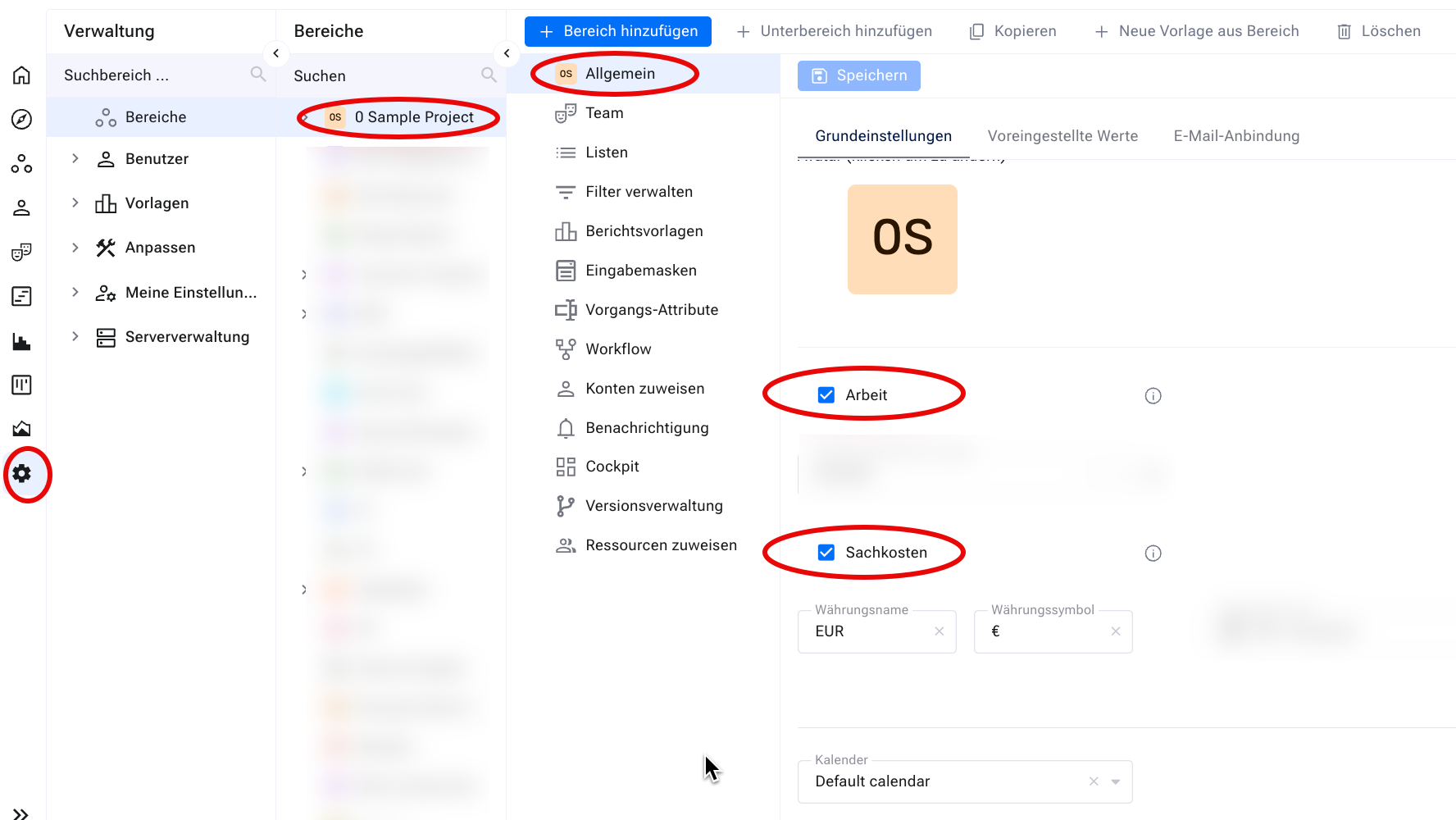
The workspace in use has “Work” and/or “Material costs” activated.
Workspace settings for efforts#
In addition, you make the following settings in the workspace configuration:
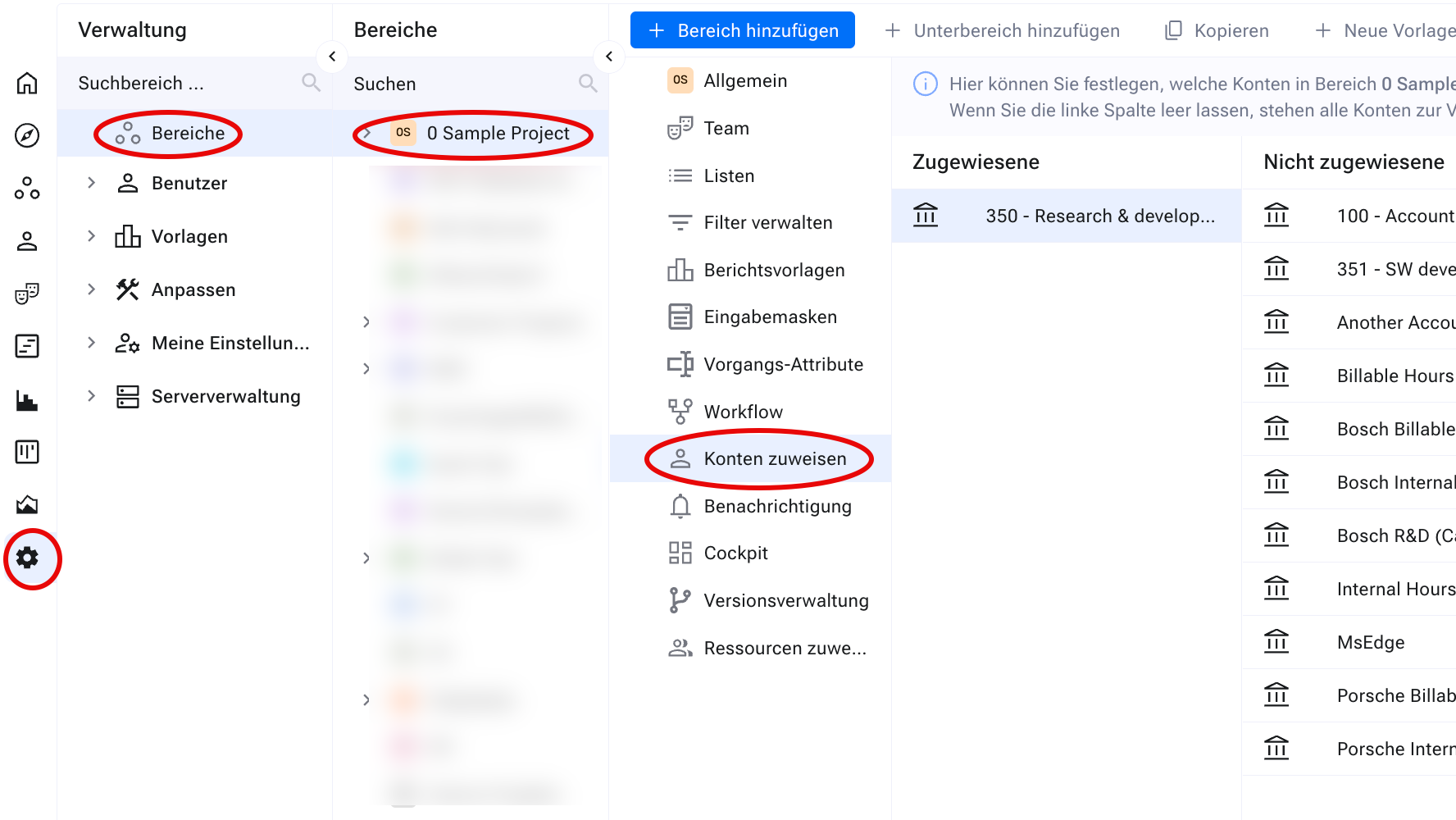
Restrict the accounts available for booking efforts per workspace. You add any number of accounts to the selection under
Administration>Miscellaneous>Accounting.
Define the currency and currency name for booking efforts.
Define a default account for booking. Allegra preselects it automatically as soon as a user books an effort.
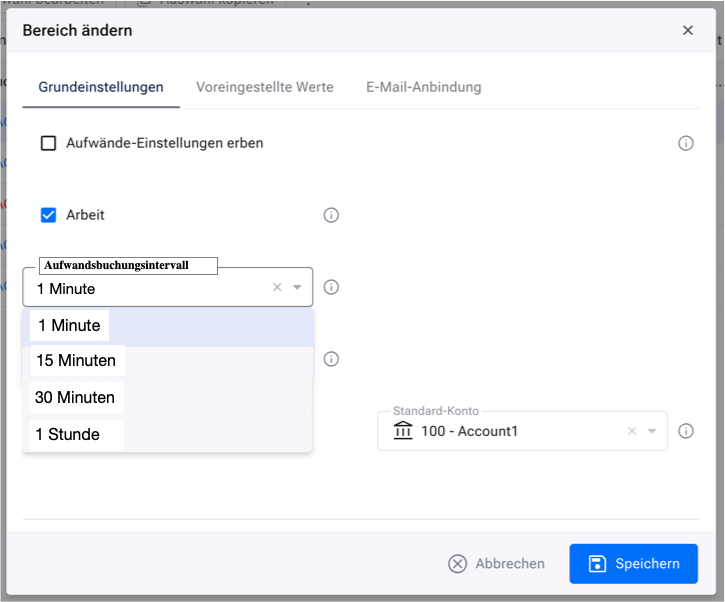
Define the time-booking interval (for example 15 minutes, 30 minutes, 1 hour, 1 day).
Attention
The time-booking interval setting is still under development and not publicly available.
Hint
Child workspaces inherit these settings — so you do not have to repeat
them for each child workspace. To do so, click Inherit settings for
efforts in the child workspace settings.
Item-specific settings for efforts#
Attention
The item-specific settings are still under development and not publicly available.
In addition to the workspace settings, you make the following settings directly on the item:
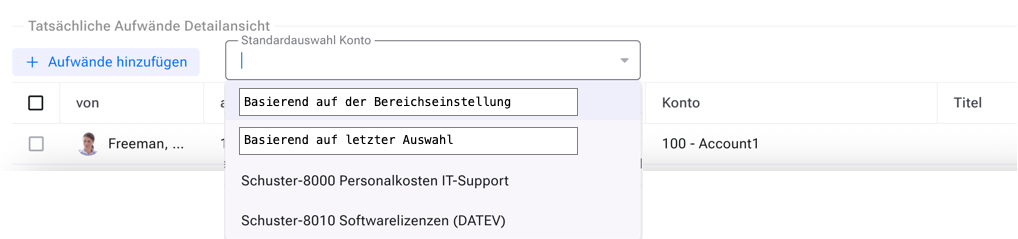
You override the default account defined in the workspace settings per item. The following options are available:
based on the workspace setting (default — corresponds to the workspace’s default account)
based on the last selection (overrides the workspace setting)
a custom selection (overrides the workspace setting)
Hint
These settings affect all responsibles of the item. Restrict them via role restrictions so that only certain users are allowed to change them.
Recording efforts#
There are three ways to record efforts through the user interface:
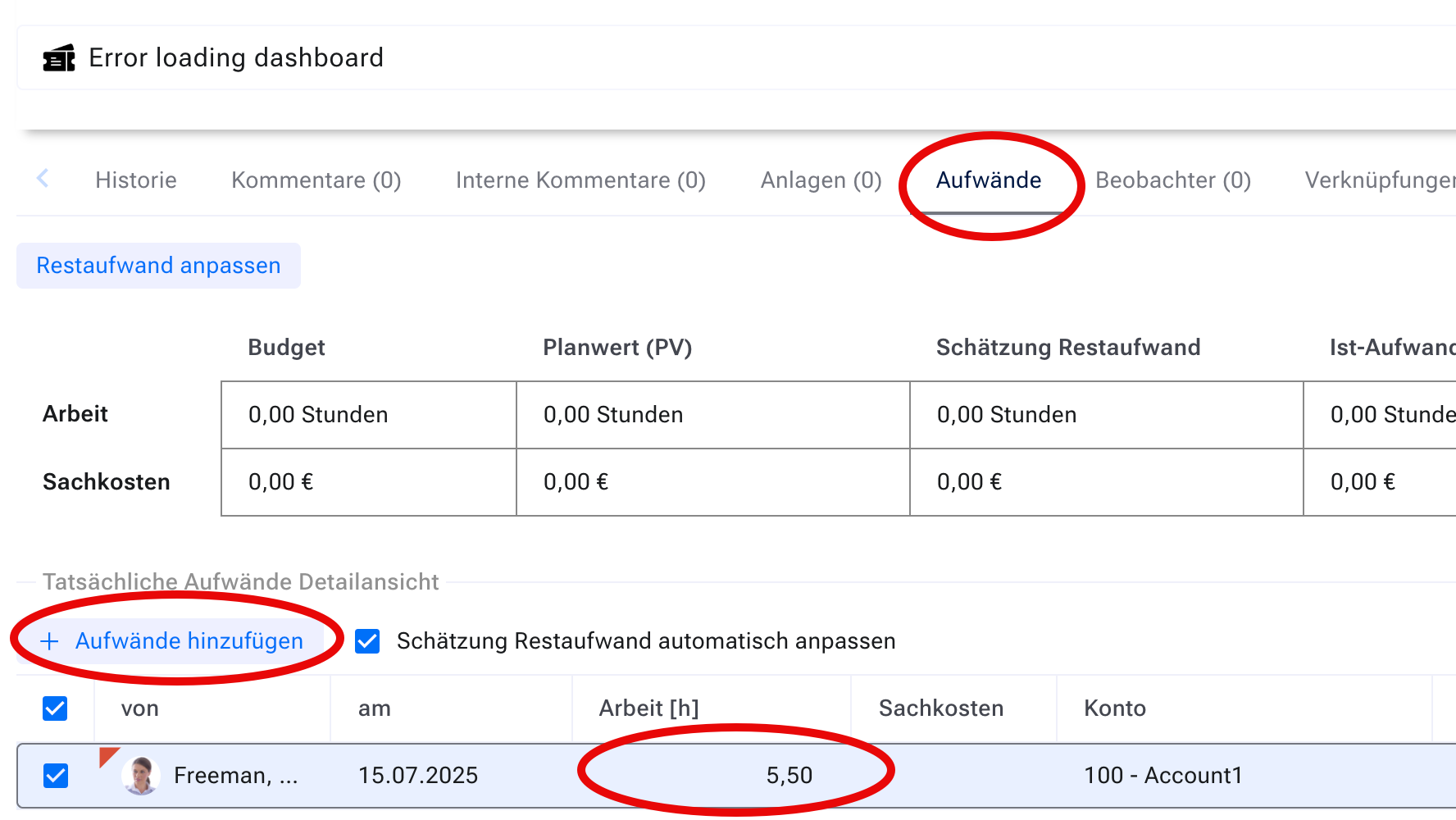
Using the tab navigation in the item’s input form.
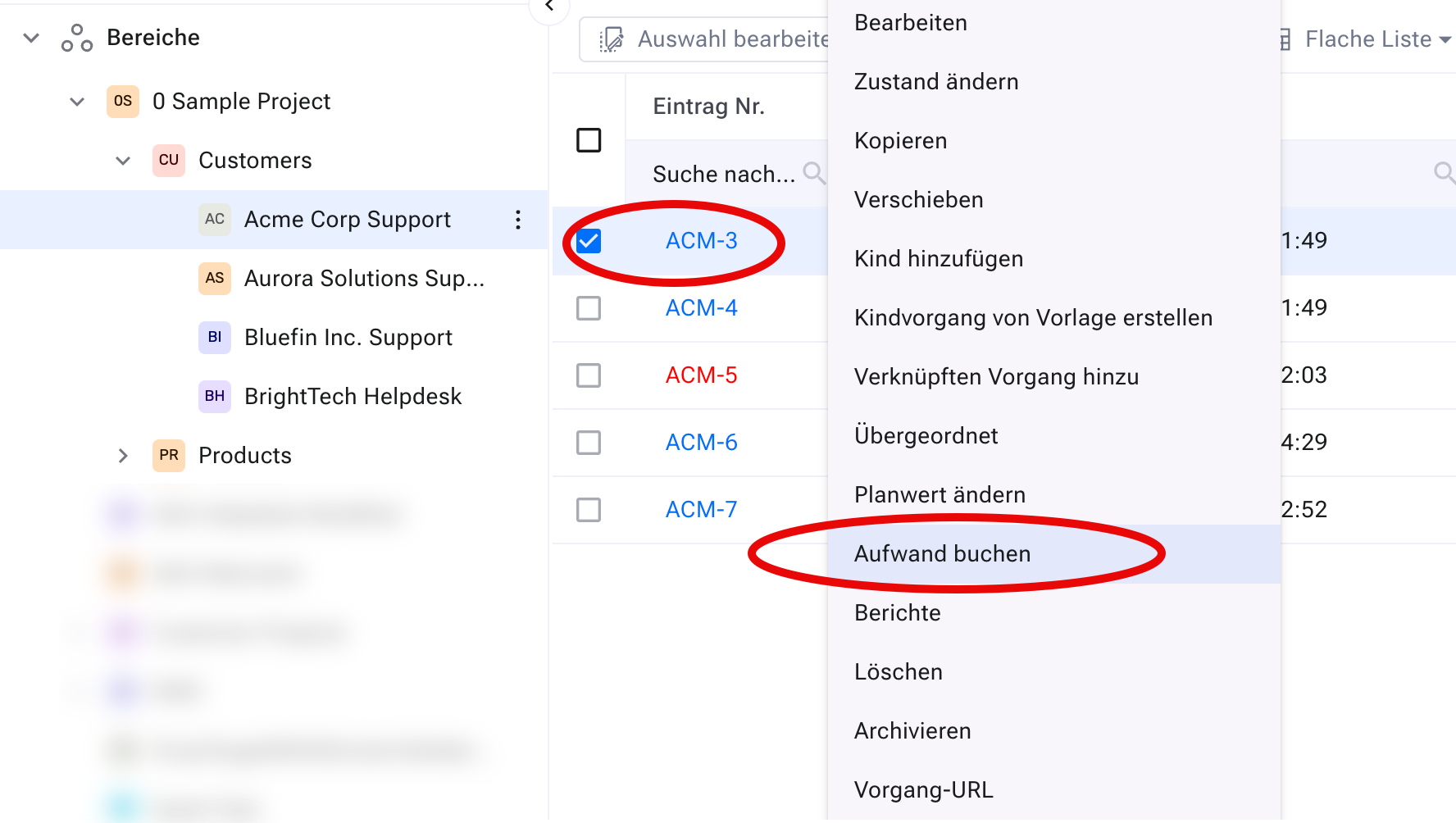
By right-clicking an item in the item browser and selecting
Book
effort
.
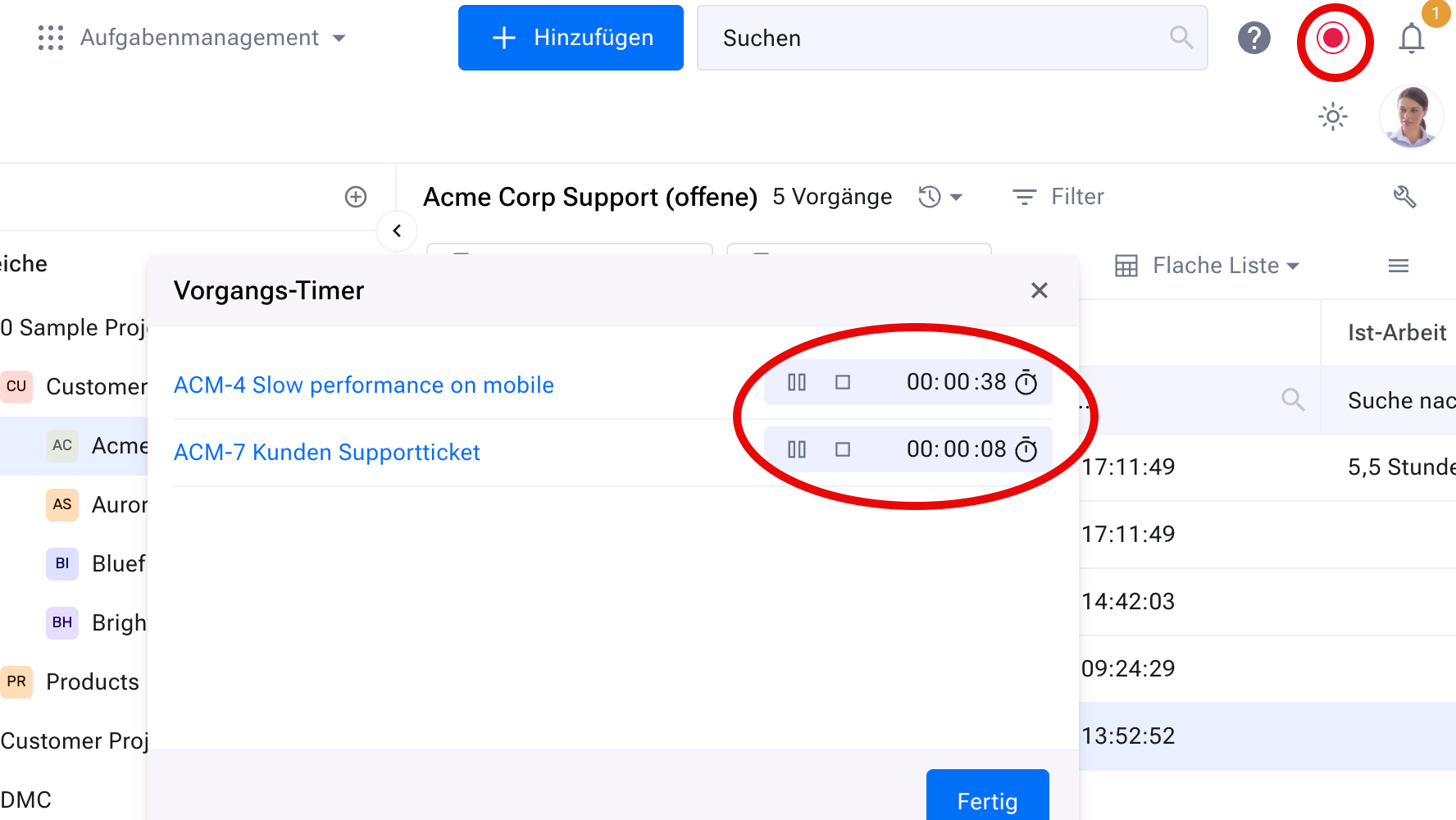
Using the stopwatch — click the “Play” button in the item’s input form.

Hint
You use the stopwatch to record time for several items at once.