
Item context actions#
In the item overview, you perform many actions by right-clicking one or more items. This lets you quickly change an item, add a comment or change its state.
Right-click the item number of the item you want to change. A context menu opens.
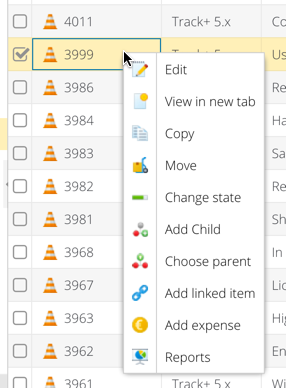
Select the action you want.
Allegra takes you straight to the matching form. After you save, you return to the item overview.