
Filtered item overview#
This widget lets you place an item browser directly in the cockpit. You can configure the display format and the filter to be applied.
Configuration#
Before you can use this widget, you must configure it. The most important parameters are the definition of the set of items to display and the option of whether the configuration settings
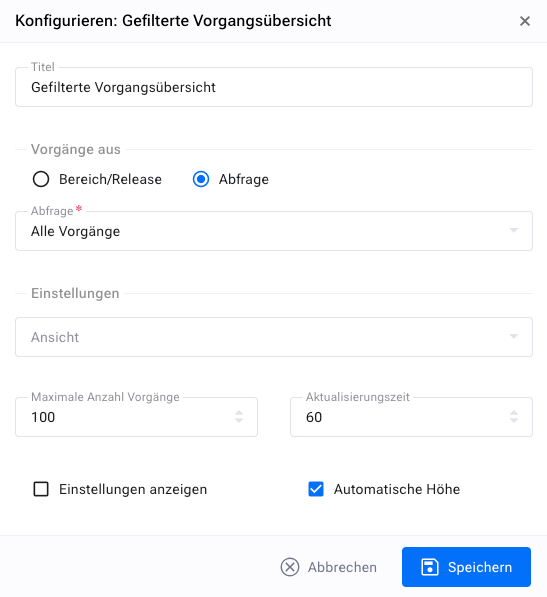
The widget’s description contains the name of the filter you have selected.
Which filters you can select depends on the query filters that you or your system administrator have defined and that you can access.
Display#
The filtered item list shows the item number and title for all items that match the configured filter.
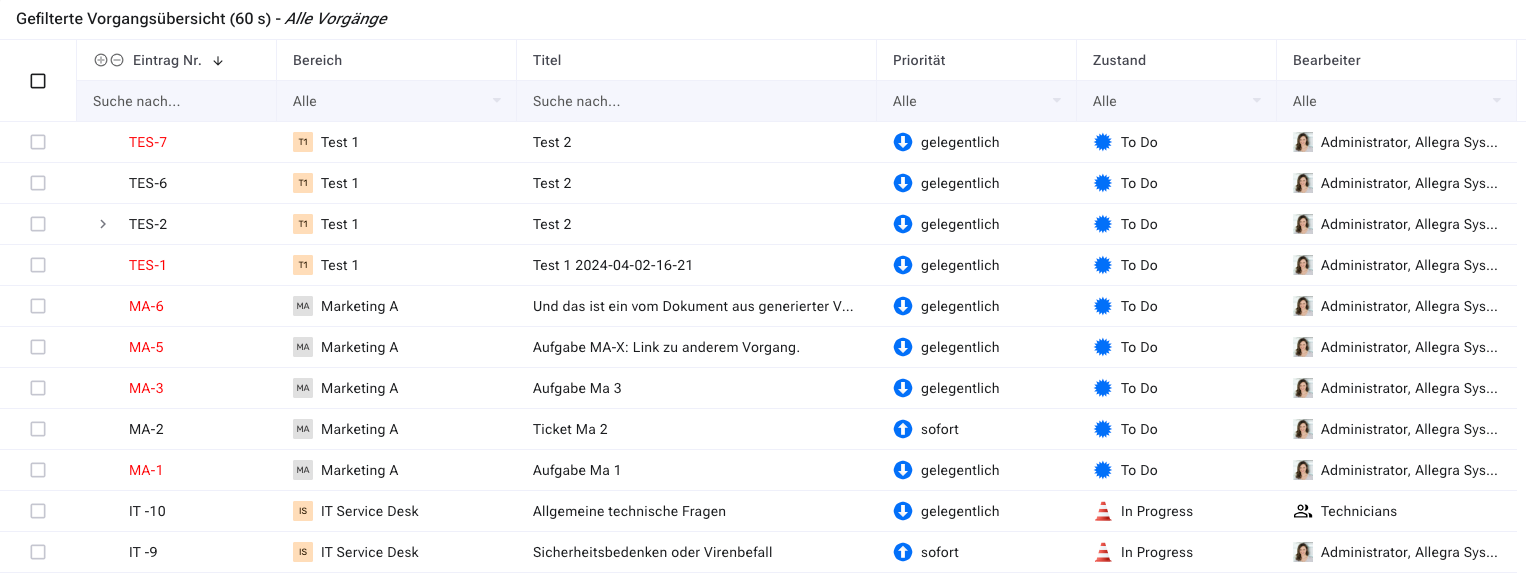
Items that are overdue are marked in red. You can click either the item number or the item title to go directly to the item detail page.
If there is an item hierarchy, it is displayed, and you can expand or collapse the parent nodes to show or hide child nodes.