
Working with the cockpit#
Allegra offers special overviews in what is called the “cockpit” or dashboard.
A cockpit contains so-called “widgets”, such as traffic-light charts, item lists, staff workload, the timeline of activities, and so on. Users can design their cockpits themselves or use preconfigured cockpits.
There are two kinds of cockpit:
A general cockpit, accessible via the
Homemenu entry. It lets you get an overview across all workspaces or projects.Project- and release-specific cockpits, each assigned to a workspace or project and considering only items from it.
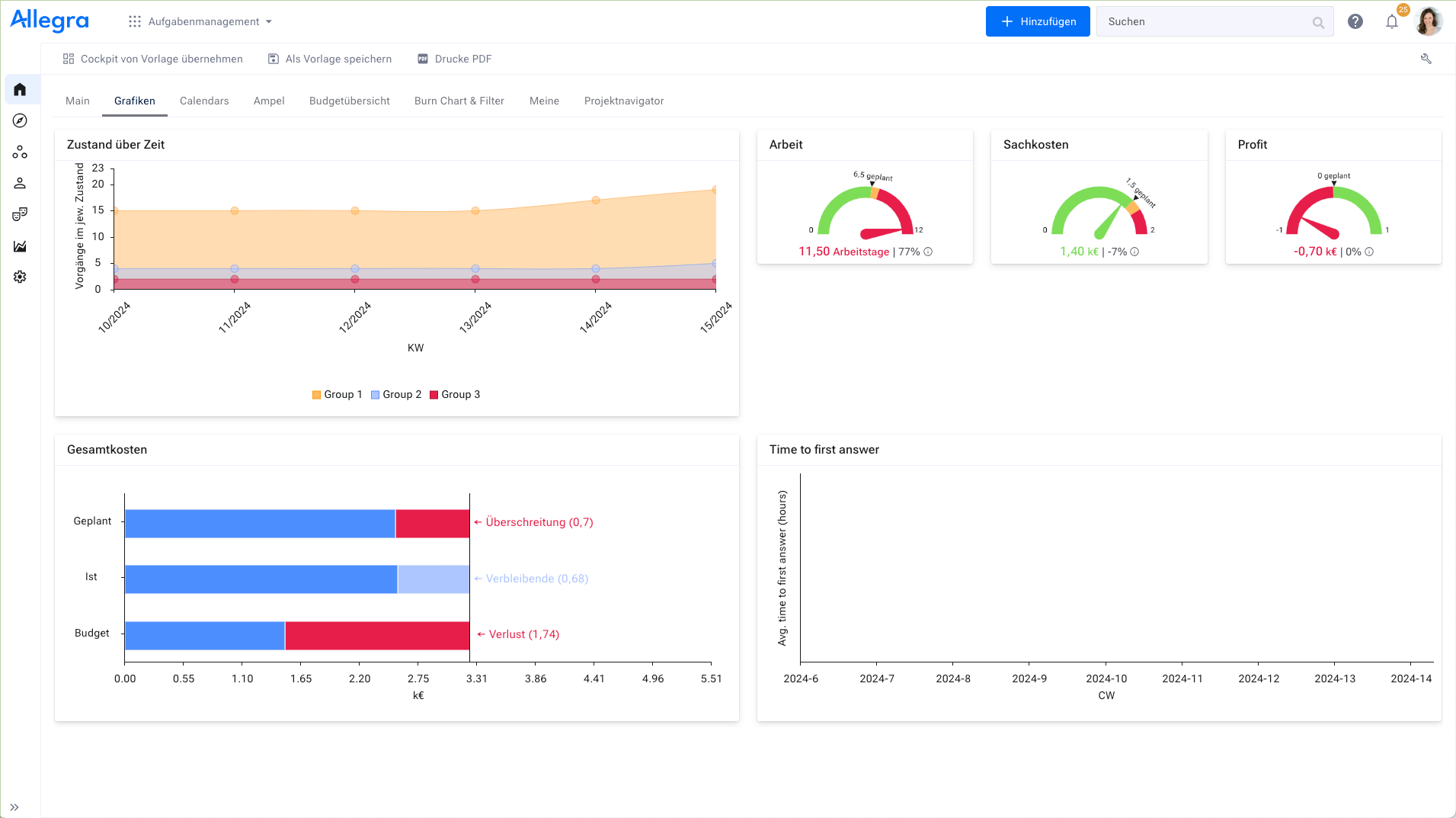
Cockpit#
You reach the general cockpit via Home.
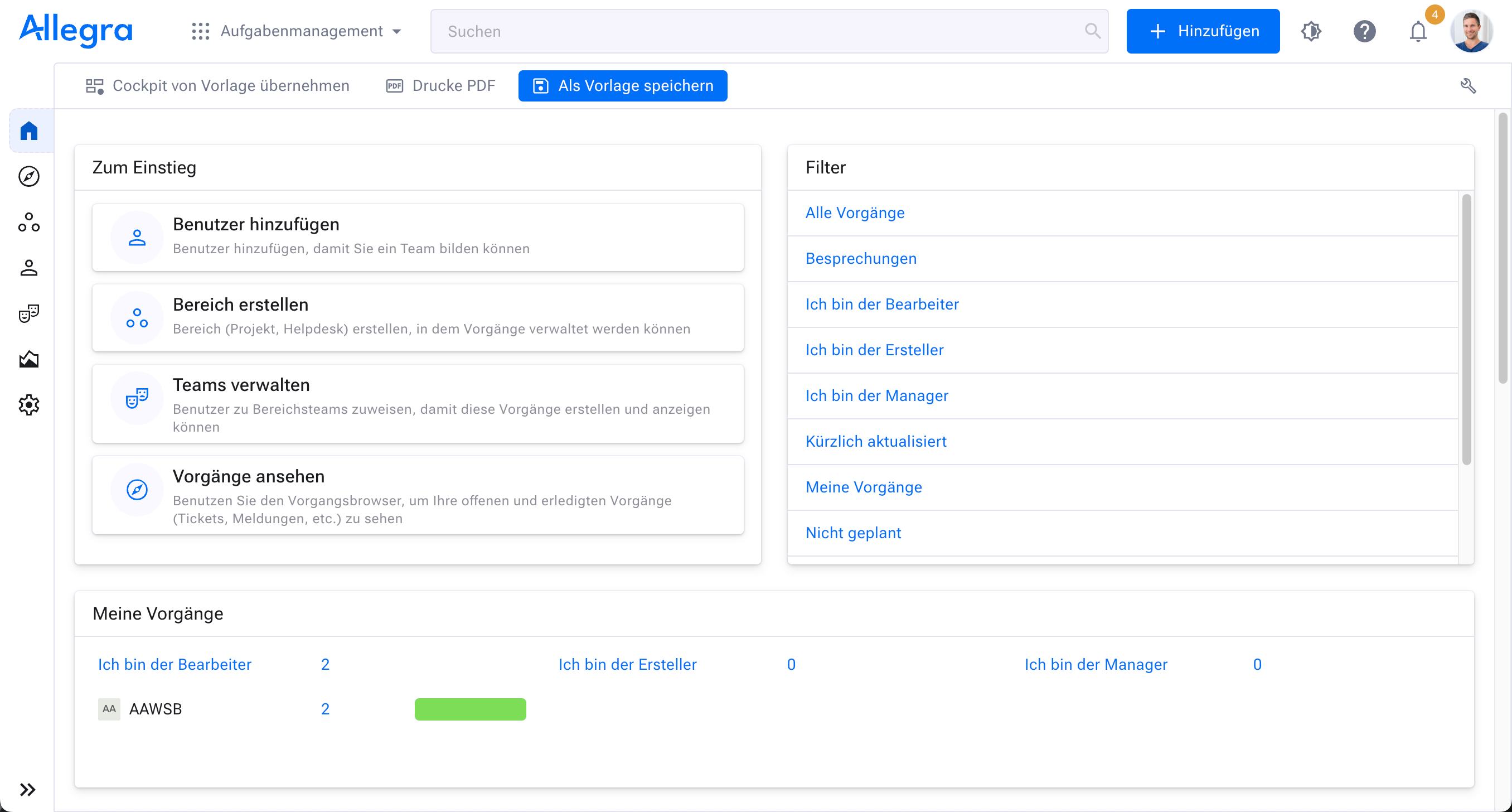
The default cockpit#
You reach the workspace-specific cockpits via Workspaces > [Workspace] and then
the Cockpit tab (see Workspace-specific cockpits).
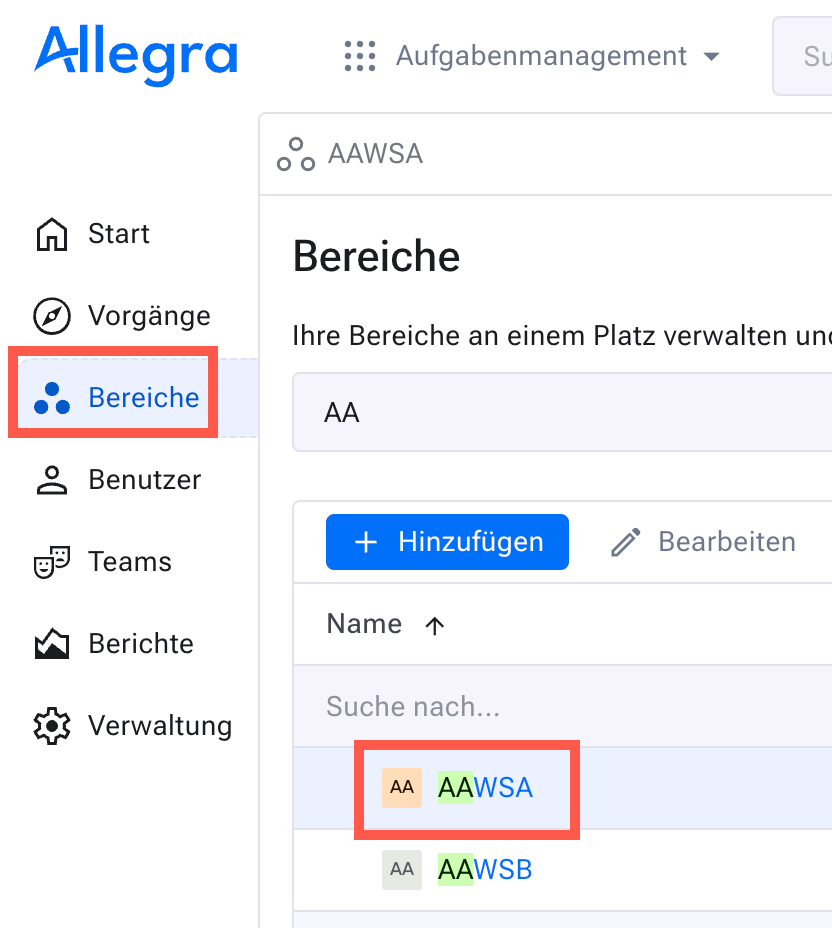
Workspace-specific cockpit (1)#
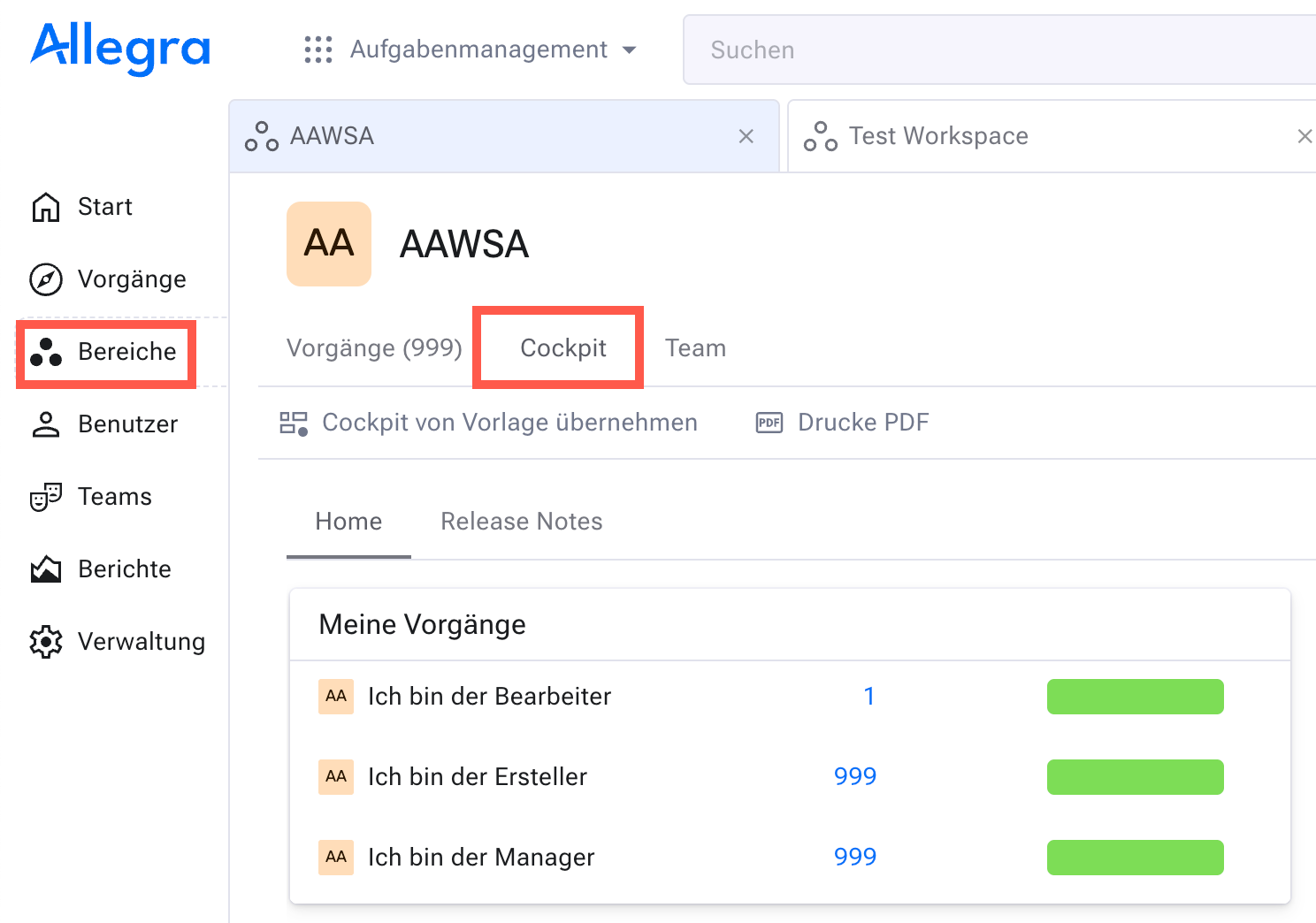
Workspace-specific cockpit (1)#
The Allegra cockpit consists of tabs, panels and widgets. Widgets are placed on panels, and panels are placed on tabs. There is no limit to the number of tabs and panels that you can configure.